




CS2 pro settings are where competitive Counter-Strike starts to feel consistent: clearer models, steadier frame times, and a setup you stop second-guessing every other match.
The trick is knowing which settings pros actually change for measurable reasons, and which “must-have tweaks” are mostly habit, placebo, or leftover advice from older versions of the game. The goal is not to cosplay a pro, it’s to steal the parts that actually help.
Why CS2 pro settings still matter in CS2
In CS 1.6 and CS:GO, config culture grew because small changes could improve visibility, stability, and comfort. CS2 kept that mindset, even though the game’s modern systems mean some old “magic commands” are less relevant now.
The settings that still matter in CS2 pro settings are the ones that improve readability, reduce distractions, and keep performance stable in real rounds.
It’s important to always keep an eye on updates and tweaks the game makes, so you can always be on top of the upcoming software changes.
ropz: Native 16:9 clarity and low-latency focus
If you want an example of CS2 pro settings that go against the old-school “everyone plays stretched” stereotype, ropz is a clean case.
He plays 1920×1080 in 16:9, with native scaling, and has NVIDIA Reflex enabled.
That choice trades the stretched look for clean geometry and consistent lines, which a lot of riflers prefer when they value micro-adjustments and crisp visibility.
On the mouse side, ropz sits at 400 DPI and 1.77 sensitivity (eDPI 708).
That is controlled, deliberate, and built for repeatable crosshair placement.

How these CS2 pro settings help casual player settings:
- If stretched resolutions feel “too fast” visually, native can calm the screen down.
- If you over-flick in close fights, a slightly lower effective sens can help you stay on rails.

ZywOo: Classic 4:3 stretched, capped FPS, and a few launch flags
ZywOo is closer to what most people picture when they hear CS2 pro settings: 1280×960, 4:3, stretched.
He also uses NVIDIA Reflex enabled, plus a modest FPS cap (400), and he runs a small set of launch options including -novid -tickrate 128 -allow_third_party_software.
What stands out is his mix of performance and quality: several settings are high, like shadows and model/texture detail.
That is a reminder that “everything on low” is not the only pro approach. Some players tune for clarity the way their eyes like it, then lock it in.
Mouse-wise, he’s at 400 DPI and 2 sensitivity (eDPI 800).

How these CS2 pro settings help casual player settings:
- 4:3 stretched can make targets feel larger in duels, which some players love.
- FPS caps can make performance feel steadier if your PC swings hard between highs and lows.
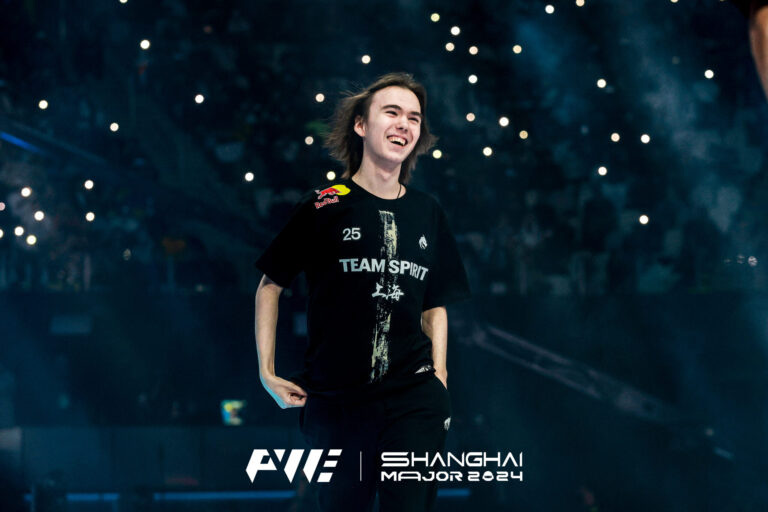
donk: Simple config, high brightness, and a fast eDPI
donk is a great example of CS2 pro settings that stay simple where possible. He uses no launch options, and he runs 1280×960 4:3 stretched with brightness at 93%.
That brightness level is common among players who want maximum visibility in chaotic fights.
His mouse settings are straightforward: 800 DPI, 1.25 sensitivity, eDPI 1000.
That sits on the faster side compared to many riflers, which fits an aggressive style where quick target switches matter.
If you copy one thing from this style of setup, copy the simplicity and the commitment, not every number.
How these CS2 pro settings help casual player settings:
- Higher brightness can make opponents pop faster, especially in messy utility.
- A slightly faster sens can help if you feel slow in multi-kill situations, as long as you can still stop on heads.
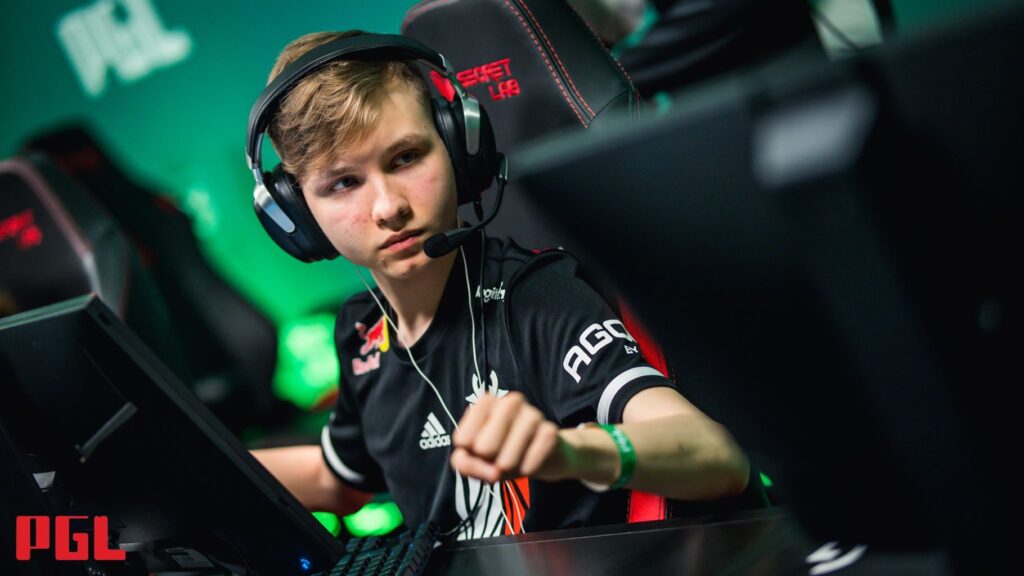
m0NESY: High AA, Reflex off, and a “clean” AWP feel
m0NESY runs the classic 1280×960 4:3 stretched baseline, but his CS2 pro settings have a curveball: NVIDIA Reflex is disabled on his profile, and he uses high anti-aliasing (8x MSAA).
That is unusual in a scene where Reflex is commonly enabled, and it shows how personal performance tuning can be.
His mouse is 800 DPI, 1.15 sensitivity (eDPI 920).
That’s a comfortable middle ground for an AWPer who needs both flick speed and fine control.
How these CS2 pro settings help casual player settings:
- If your game feels choppy, lowering heavy visuals often helps more than copying a pro’s AA.
- If you are already stable on FPS, increasing AA can make edges feel cleaner, which some AWPers like.
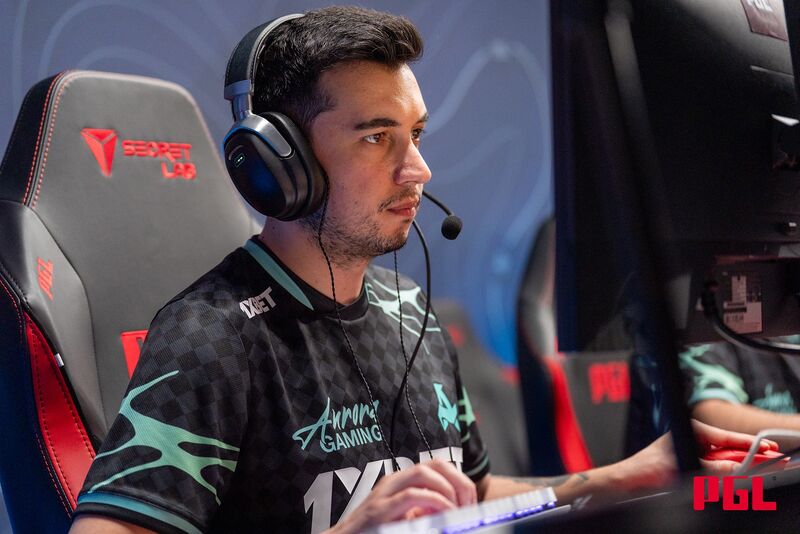
woxic: The high-sensitivity outlier
Every settings conversation needs one outlier, and woxic has been that guy for years.
He runs 1600 DPI and 1 sensitivity, which equals eDPI 1600, plus a very high polling rate listed at 8000 Hz.
This is one of the clearest examples that “pro settings” are not one meta, they’re a bunch of personal solutions that still win at the top level.
Credit: Liquipedia
How these CS2 pro settings help casual player settings:
- High sens can work if your mouse control is clean and your setup is consistent.
- High sens can also punish you if you tense up in fights, because every mistake gets amplified.
Five pros, five different priorities
| Pro | “Signature” choice | Resolution | eDPI | Reflex | Launch options note |
|---|---|---|---|---|---|
| ropz | Native clarity | 1920×1080 | 708 | Enabled | None listed |
| ZywOo | Quality mix + cap | 1280×960 | 800 | Enabled | Uses -novid -tickrate 128 -allow_third_party_software |
| donk | Simple + bright | 1280×960 | 1000 | Not shown in excerpt | None listed |
| m0NESY | AA high, Reflex off | 1280×960 | 920 | Disabled | None listed |
| woxic | Very high sens | (mouse focus) | 1600 | (varies) | (varies) |
Casual player settings: What you should copy from these CS2 pro settings
This is where CS2 pro settings become useful for real people. Casual player settings should aim for stability and comfort first, then small optimizations. Moreover, if players are focused more on FACEIT, expect higher competitiveness, which should mean more tight settings.
Even on YouTube, you can find many different guides on how to make the game feel good for you. In this particular video, you can learn how to tackle one of the most common issues people face – low FPS and learn how to improve it.
Remember, your issue can be unique, so always aim to set up the game as you think is fit, before copying what pros are doing.
1) Copy the goal, then copy the slider
Pick one priority for your casual player settings:
- “I want clearer fights” (resolution, brightness, contrast)
- “I want steadier performance” (FPS stability, lower heavy visuals)
- “I want consistent aim feel” (locked sens, consistent crosshair)
Casual player settings improve fastest when you stop changing five things at once.
2) Use a safe resolution test
Try three presets for casual player settings, then commit for a week each:
- 1920×1080 (native clarity, like ropz)
- 1280×960 stretched (classic duels, like ZywOo, donk, m0NESY)
- 4:3 black bars (if stretched feels too warped for you)
3) Treat latency tools like a stability check
NVIDIA says Reflex can reduce system latency in CS2, with “Enabled + Boost” trading some power and sometimes a small frame rate hit.
For casual player settings, enable it if your FPS stays stable. If it causes stutters, back off.
4) Steal one “identity setting” from a pro, then lock it
Good casual player settings usually copy one idea:
- Native 16:9 for calm visuals
- Stretched 4:3 for aggressive duels
- A mid eDPI for control (700 to 1000 is a common “safe zone” across many pros, and you can see examples above)
5) Ignore the noise
For casual player settings, skip anything that promises instant aim. Your rank will not improve by this tip, as instant aim is either something you learn or got by cheating (don’t do this):
- Random launch options you cannot explain
- A full config copy-paste without understanding binds
- Daily sensitivity changes
