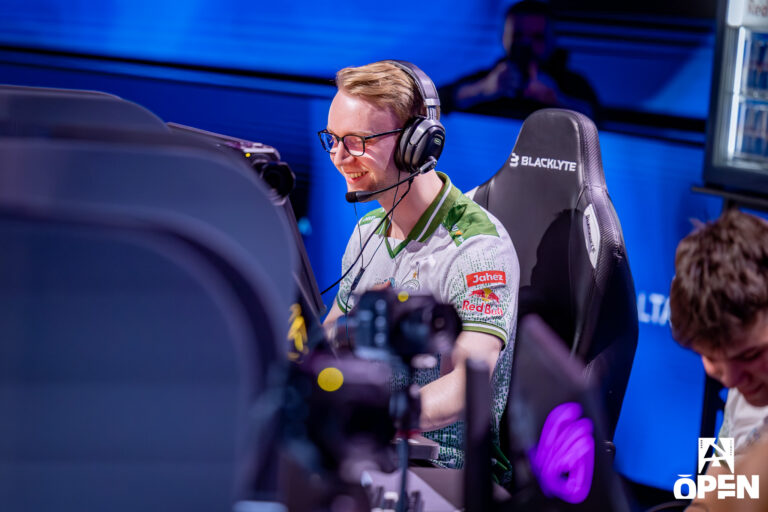
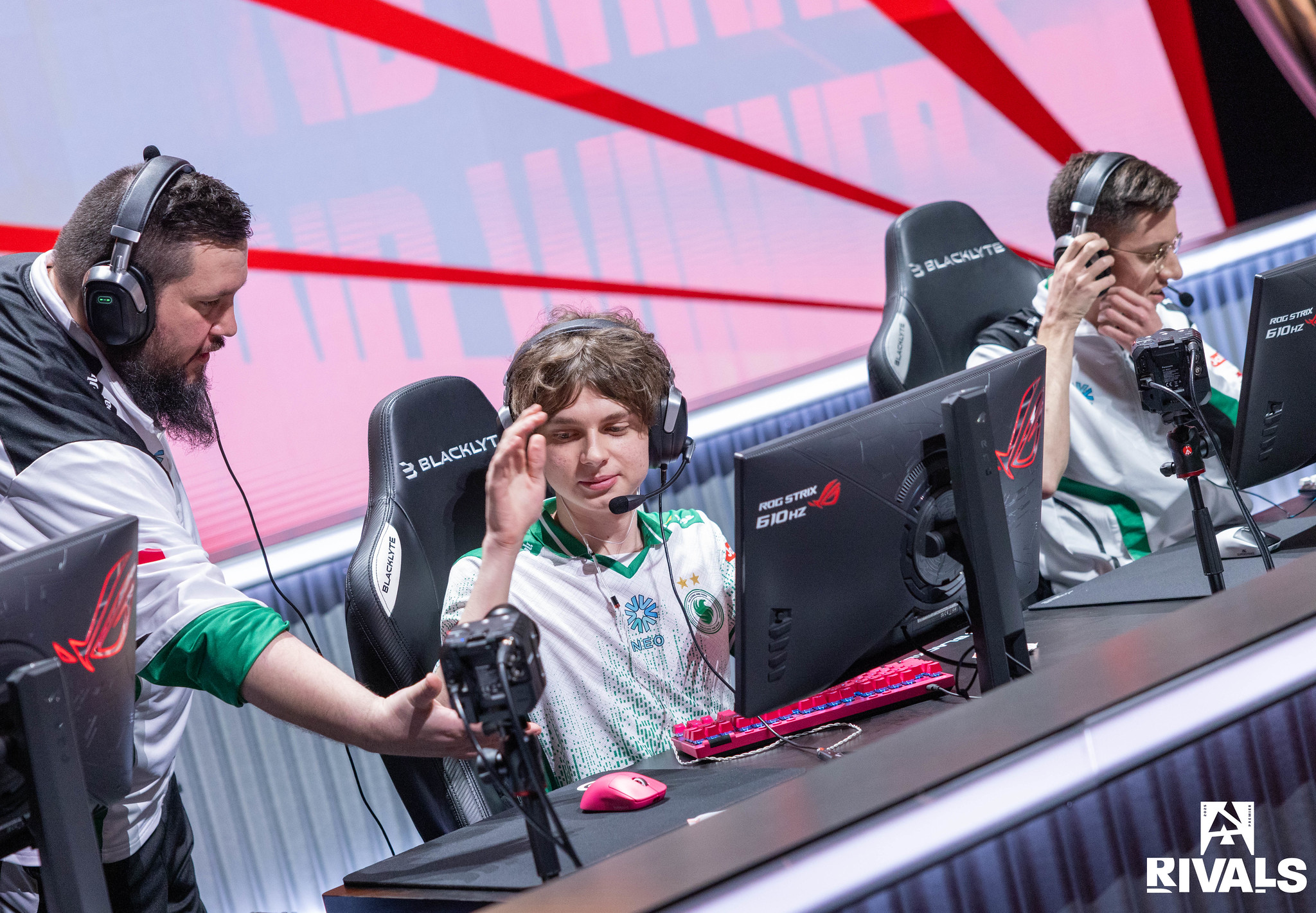

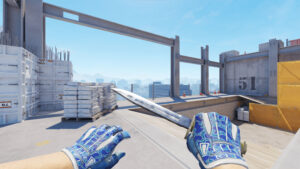
kyousuke plays CS2 on 800 DPI and 1.28 sensitivity with a small cyan crosshair on 1280×960 stretched. Here are his current settings, his crosshair and the gear on his desk.
Ask the Twitch chat of Maksim “kyousuke” Lukin for his sensitivity, resolution or PC, and a command answers. That makes the Team Falcons rifler, a Major winner in Cologne in June who went 24-12 on Mirage against Legacy on 12 November, an easy player to check: his sensitivity matches his game config as it was published on 19 November 2026. The rest is his setup as ProSettings listed it on 19 November 2026.
Want more pley.gg in your Google results?
Add to Preferred Sourceskyousuke settings at a glance
| Setting | Value |
|---|---|
| DPI | 800 |
| Sensitivity | 1.28 |
| eDPI | 1024 |
| Zoom sensitivity | 1.0 |
| Polling rate | 1000Hz |
| Resolution | 1280×960 (4:3 stretched) |
| Crosshair colour | Cyan |
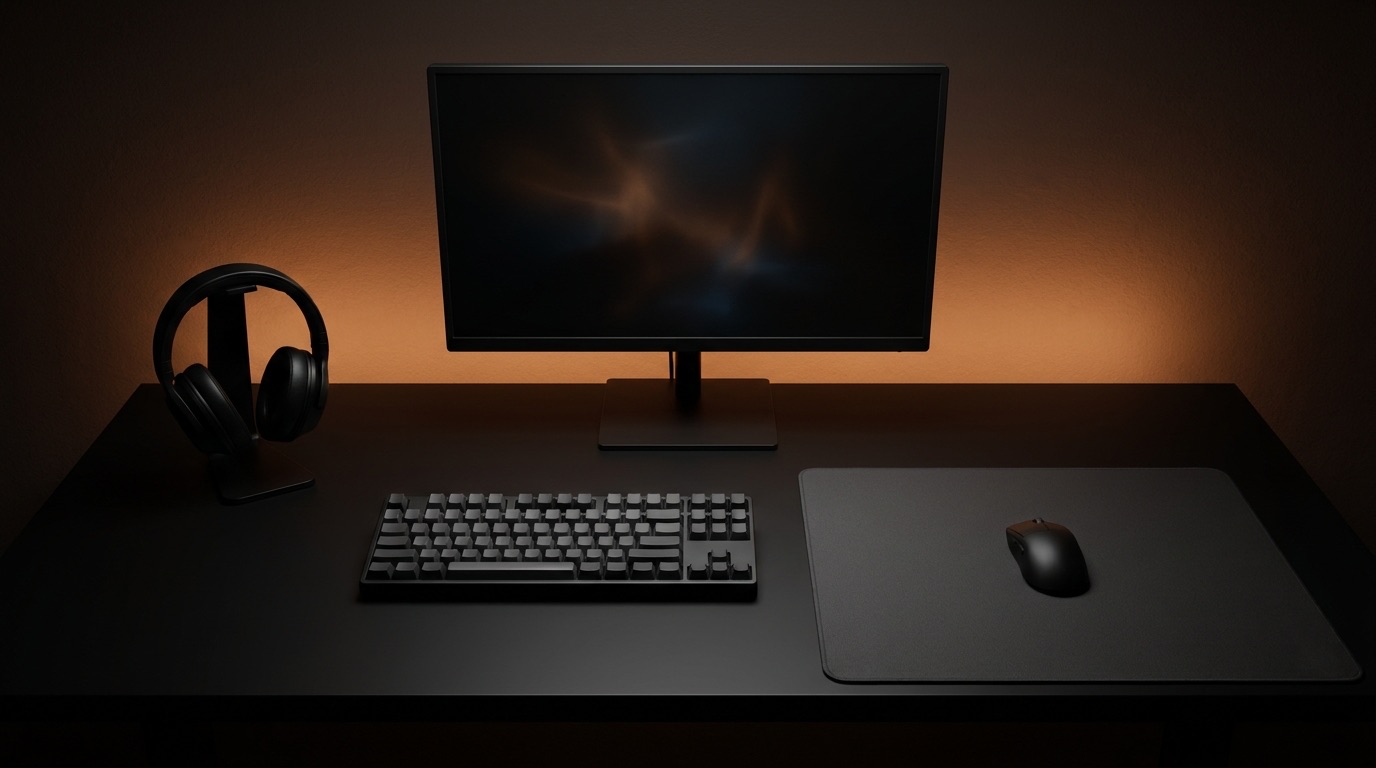
kyousuke gear 2026
Tap a dot on the desk to see each product.
 Tap a dot
The desk photo is an illustration. As an Amazon Associate we earn from qualifying purchases.

kyousuke crosshair
Valve changed how crosshairs work in CS2 in September 2026, so set this one by hand in the crosshair menu. The table shows what his config from 19 November and his last match on ProSettings, against FURIA at BLAST Rivals on 14 November, agree on: a small, static cyan cross with no dot and no outline.
| Setting | Value |
|---|---|
| Style | Static |
| Length | 2 |
| Thickness | 2 |
| Gap | 2 |
| Centre dot | Off |
| Outline | Off |
| Colour | Cyan (red 0, green 255, blue 255) |
| Follow recoil | Off |
| T style | Off |
This is a recent change: against Legacy on 12 November he still played green, with a centre dot, a length of 1 and a gap of 2. The share code in his Twitch chat dates from January 2025 and is an older, thinner crosshair, so we have left it out.
kyousuke mouse settings and sensitivity
kyousuke uses 800 DPI and 1.28 in-game sensitivity. Multiply the two and you get his eDPI of 1024, which is the number to compare between players.
You do not need his DPI to get the same feel. On 400 DPI, a sensitivity of 2.56 gives the same eDPI, and on 1600 DPI it is 0.64. He has not touched it in a long time: the sensitivity command in his chat was last edited in August 2024.
kyousuke video settings
He plays on 1280×960 stretched with the brightness turned up to 110% and most of the detail on low.
| Setting | Value |
|---|---|
| Resolution | 1280×960 |
| Aspect ratio | 4:3 |
| Scaling mode | Stretched |
| Display mode | Fullscreen |
| Brightness | 110% |
| Boost player contrast | Disabled |
| V-Sync | Disabled |
| Nvidia Reflex | Disabled |
| Maximum FPS in game | 500 |
| Multisampling anti-aliasing | 8x MSAA |
| Global shadow quality | Low |
| Dynamic shadows | All |
| Model and texture detail | Low |
| Texture filtering | Bilinear |
| Shader detail | Low |
| Particle detail | Low |
| Ambient occlusion | Disabled |
| High dynamic range | Quality |
| FidelityFX Super Resolution | Disabled |
kyousuke keybinds
| Action | Key |
|---|---|
| Move | W, A, S, D |
| Jump | Space and mouse wheel down |
| Jump throw | Left Alt |
| Crouch | Left Ctrl |
| Walk | Left Shift |
| Reload | R |
| Use | E |
| Inspect weapon | F |
| Drop weapon | G |
| Drop the bomb | V |
| Smoke grenade | Mouse wheel click |
| Ping | Mouse 4 |
| Voice chat | X |
Three binds stand out. V selects the bomb and drops it in one press, the mouse wheel click pulls out a smoke, and his movement keys and walk key also clear bullet holes and blood from the walls every time he presses them.
kyousuke viewmodel and radar
| Setting | Value |
|---|---|
| Viewmodel FOV | 68 |
| Offset X | 2.5 |
| Offset Y | 0 |
| Offset Z | -1.5 |
| Radar centres the player | Yes |
| Radar rotates | Yes |
| Radar map zoom | 0.3 |
| HUD scale | 1 |
The viewmodel values push the weapon as far out to the side as the game allows. A radar zoom of 0.3 shows even more of the map than the 0.35 NiKo uses. ProSettings lists no launch options for him.
kyousuke gear in detail
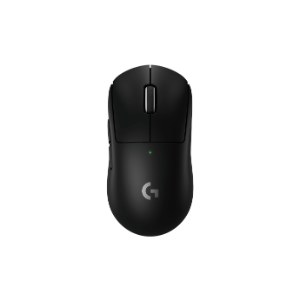
Mouse: Logitech G Pro X Superlight 2
A wireless, symmetrical mouse. He has rotated between the black, magenta and cyan versions during 2026, and ProSettings has him back on black since 2 November.
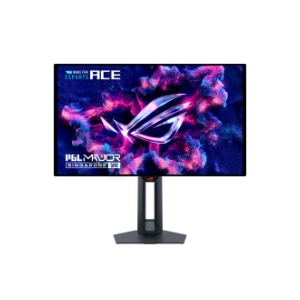
Monitor: ASUS ROG Swift OLED PG259QWS Ace
A 24.5-inch OLED that runs at 720Hz. ProSettings has listed it as his monitor since 19 November 2026, when it replaced the 600Hz ZOWIE XL2586X+.
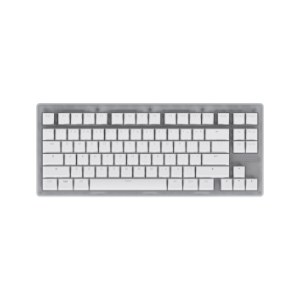
Keyboard: Wooting 80HE+
A tenkeyless magnetic keyboard with Rapid Trigger: a key resets the moment you start to lift your finger, which makes counter-strafing quicker. His is the Frost version.
Headset and mousepad
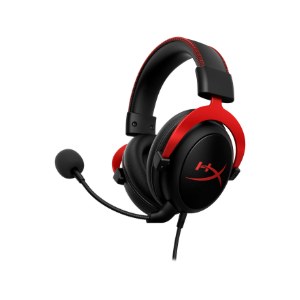
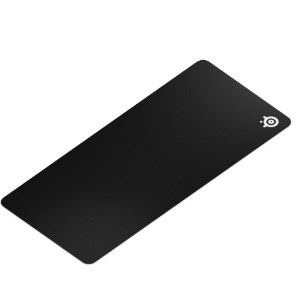
The headset is the wired HyperX Cloud II, which his chat has named since 2023. The mousepad is a SteelSeries QcK: ProSettings switched him to the Large on 8 November 2026, and his own chat command from October 2025 says the thicker QcK Heavy.
PC
His chat lists an AMD Ryzen 7 7800X3D and an RTX 5080, the same parts ProSettings shows.
Should you copy kyousuke’s settings?
Take the bomb-drop bind and the radar zoom today. Both are free, and neither changes your aim.
His eDPI of 1024 is on the fast side, just above the 1000 of donk and well above the 640 of NiKo, who sits next to him at Falcons. If you play on a small desk, it is one of the easier pro sensitivities to live with. The gear is also the plainest in this series: a cloth QcK and a wired Cloud II are about as simple as a Major winner’s desk gets.
More pro settings
- ZywOo CS2 settings
- ropz CS2 settings
- XANTARES CS2 settings
- NiKo CS2 settings
- s1mple CS2 settings
- molodoy CS2 settings
- donk CS2 settings
- m0NESY CS2 settings
- CS2 pro settings
- The best CS2 crosshairs