
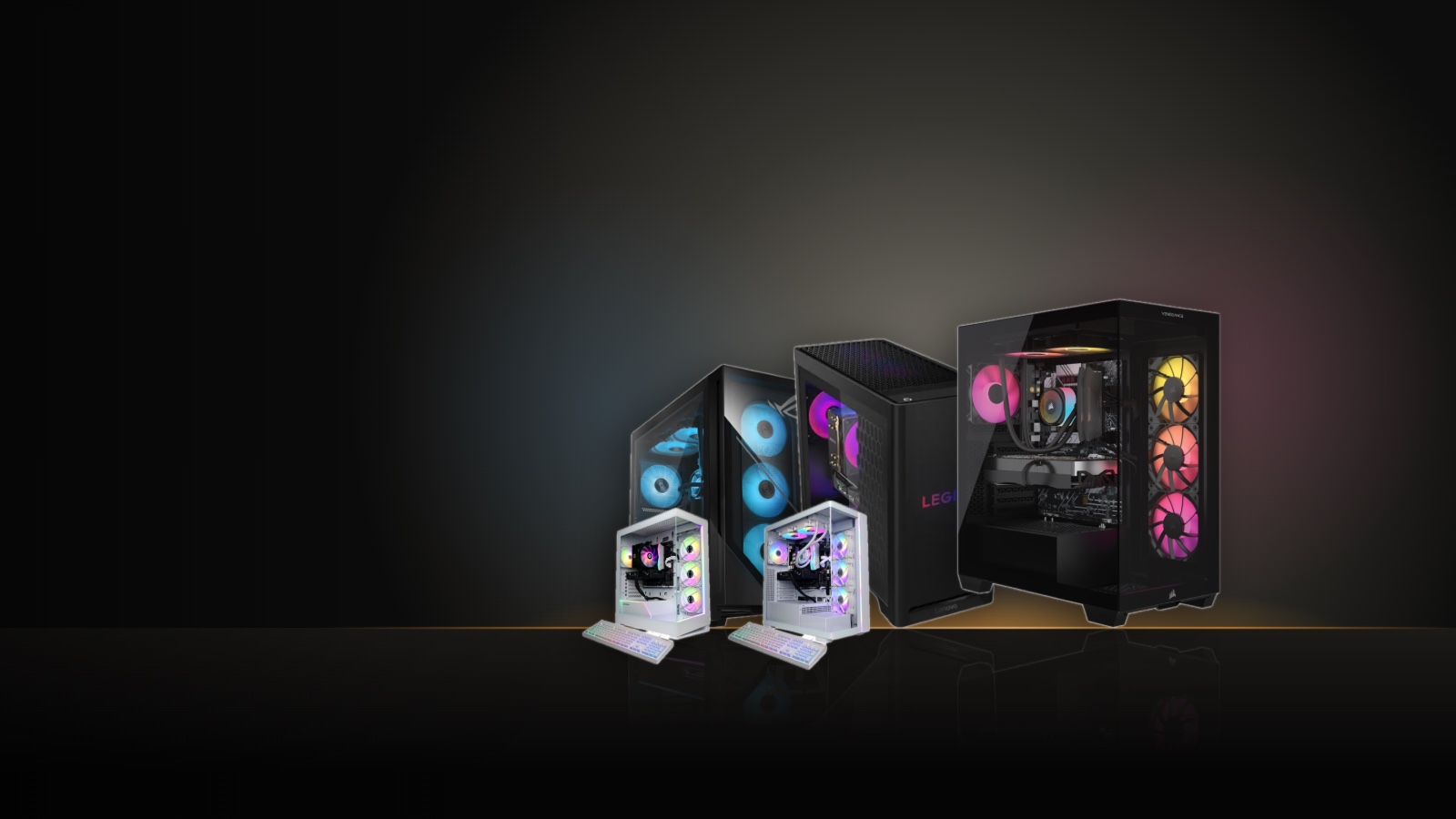




These are the five prebuilt gaming PCs we would buy in 2026, from $1,100 to $3,000, picked for CS2, Valorant and Apex Legends. Choose your budget and your monitor, and see how each pick measures up.
FPS numbers are lab measurements, linked under each pick. Budgets are price classes from 26 November 2026. As an Amazon Associate we earn from qualifying purchases.
Three things decide how a PC runs CS2, Valorant and Apex Legends: the processor, the graphics card and the monitor it has to feed. We follow what the pros play on, and four of the six PCs further down this page run an AMD X3D processor. Our picks follow the same logic: the processor first, then the graphics card.
Memory prices have pushed the cheapest good gaming PC past $1,000 this year, so our budget pick starts at around $1,100.
Want more pley.gg in your Google results?
Add to Preferred SourcesBest budget gaming PC: around $1,100
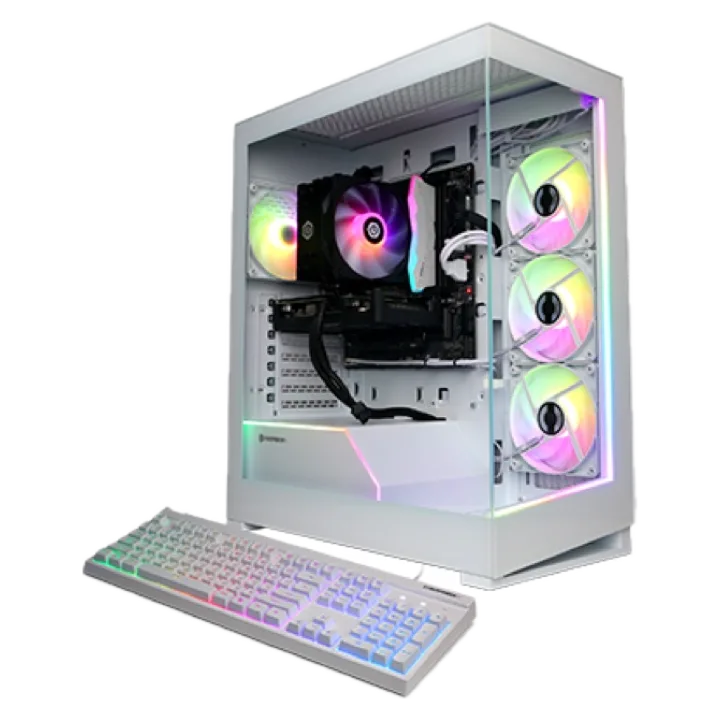
A Core i5-14400F and a GeForce RTX 5060 are enough for all three games at 1080p. We chose this PC over cheaper RTX 5060 machines because it has DDR5 memory, which makes the step to 32 GB easy later.
Valorant and Apex Legends run far above what Riot and EA ask for on these parts. For CS2 there is no current lab number for the RTX 5060. The last one was 279 FPS at 1080p and the highest settings, measured by TechPowerUp in July 2025.
Best gaming PC under $1,500
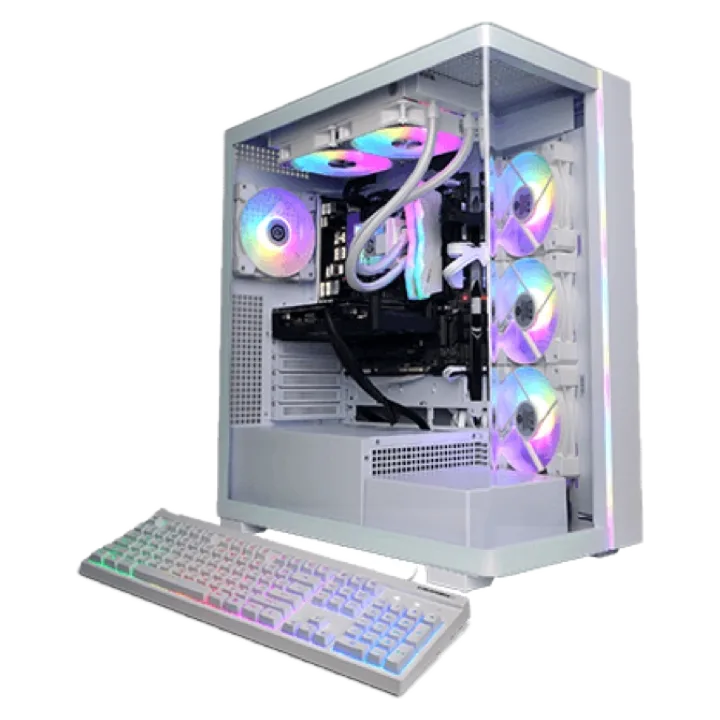
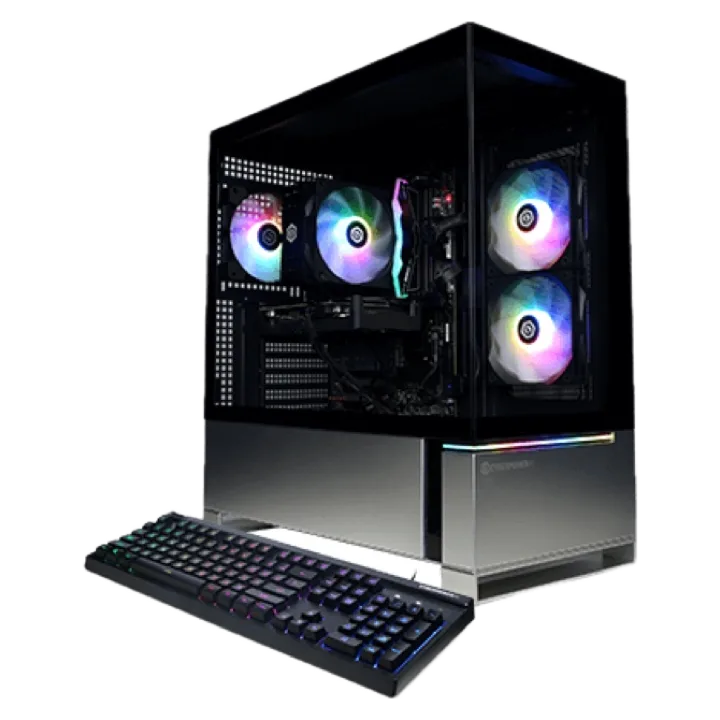
The step up buys a GeForce RTX 5060 Ti and a 20-core Core i7-14700F. In CS2 the graphics card measures 246 FPS at 1080p and the highest settings, right at the edge of a 240 Hz monitor, and that test used a faster processor than this one.
Buy it for a 144 Hz or 240 Hz monitor. If you prefer AMD, the second PC has the same graphics card with a Ryzen 7 8700F.


Best gaming PC under $2,000
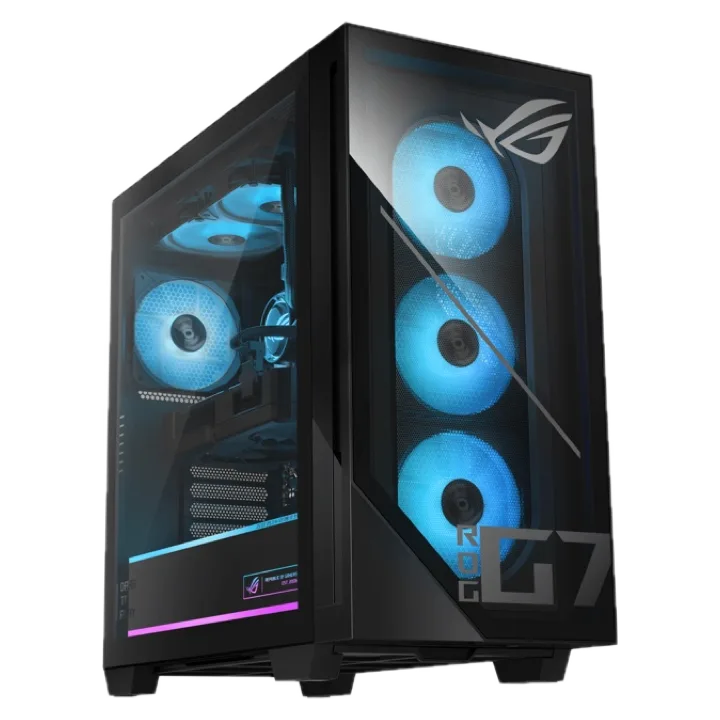
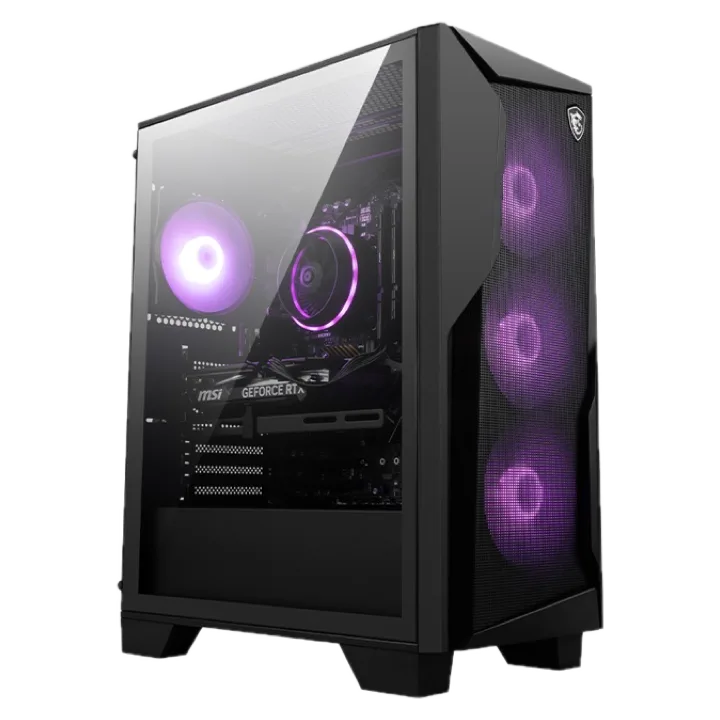
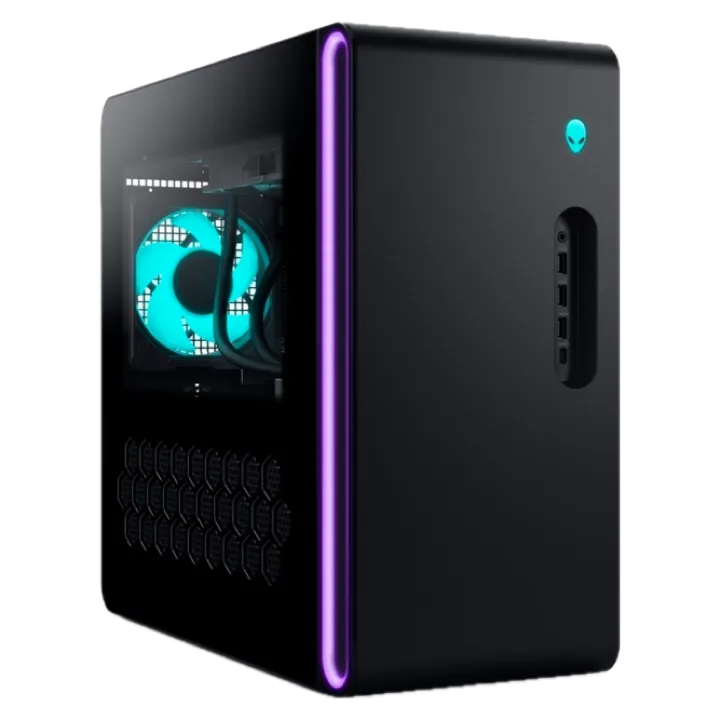
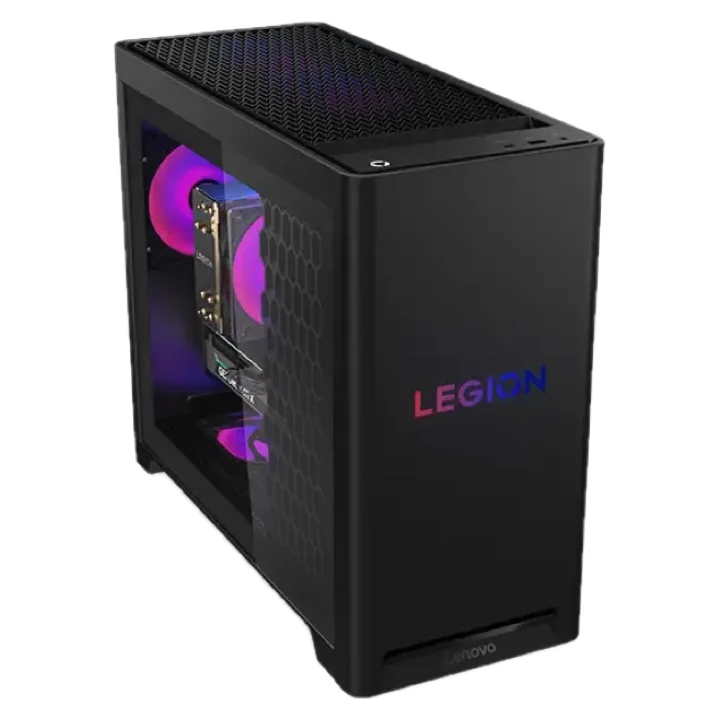
The GeForce RTX 5070 takes CS2 past 300 FPS at the highest settings: 348.5 in the lab, with a faster processor than these PCs have. The ROG G700 is our pick for its liquid cooling and the room it leaves for upgrades.
Its 16 GB of memory is the weak point. The MSI Codex R2 and the Alienware Aurora both come with 32 GB and the same graphics card.
Best gaming PC for esports: around $2,300

 Same processor as ZywOo and m0NESYRyzen 7 9800X3DRadeon RX 9070 XT32 GB DDR51 TB SSDThe PC we would buy for CS2 or Valorant.322FPS in CS21080p and the highest settings633FPS in Valorant1440p and medium settings300FPS in Apex Legends1440p and low to medium settingsMeasured by TechPowerUp and TechSpot
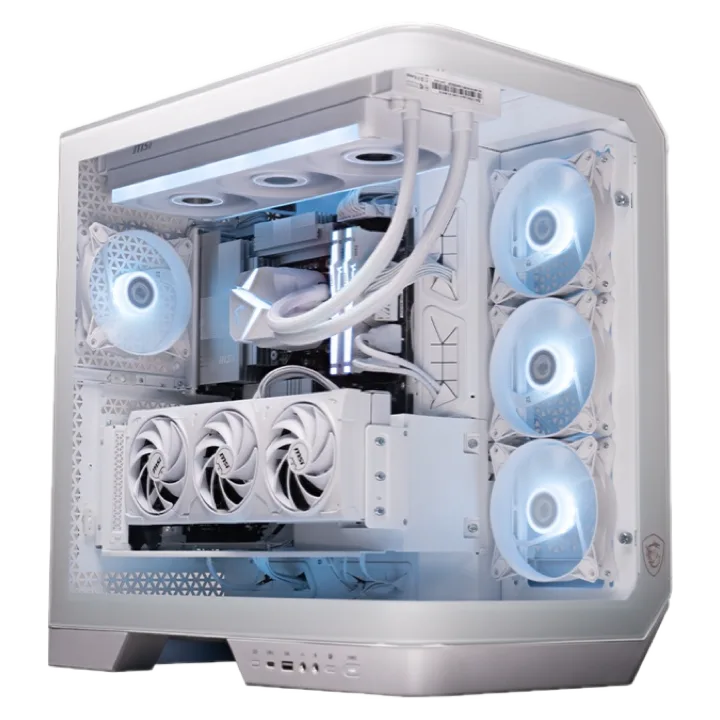
This is the PC we would buy for CS2 or Valorant. The Ryzen 7 9800X3D is the processor ZywOo and m0NESY play on, and the fastest in the lab’s CS2 test. Paired with the Radeon RX 9070 XT it measured 728 FPS in CS2 at 1440p and medium settings and 633 FPS in Valorant, and it held Apex Legends at the game’s 300 FPS limit.
At the highest settings in CS2, the RX 9070 XT (322 FPS) is behind the cheaper RTX 5070 (348.5). You pay for the processor here, and in these games that is the right place to spend. If you want Nvidia, the MSI Vision ZS pairs the same processor with an RTX 5070.
Best high-end gaming PC: around $3,000
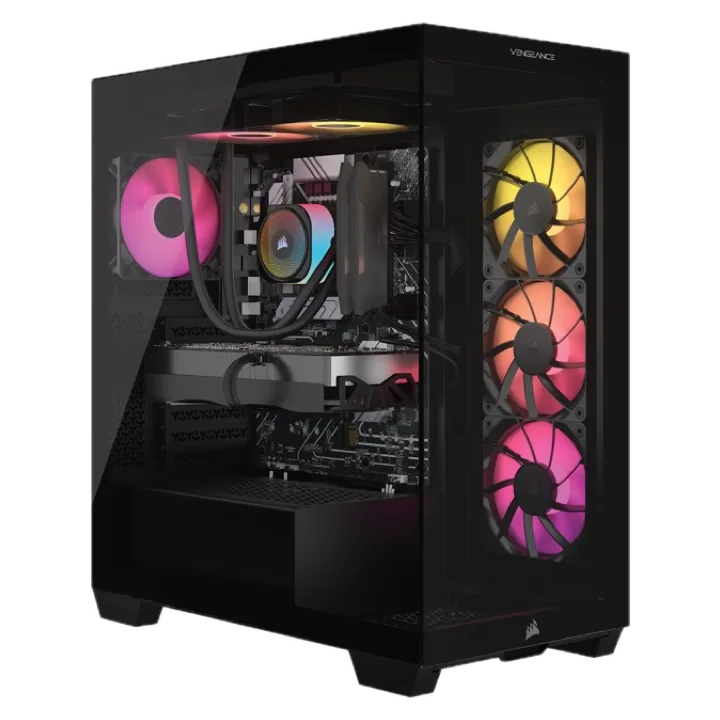 Same processor as ZywOo and m0NESYRyzen 7 9800X3DGeForce RTX 5070 Ti32 GB DDR51 TB SSDThe only pick that fills a 360 Hz monitor in CS2 at the highest settings.404.7FPS in CS21080p and the highest settings697FPS in Valorant1440p and medium settings300FPS in Apex Legends1440p and low to medium settingsMeasured by TechPowerUp and TechSpot
The Corsair Vengeance a7500 pairs the Ryzen 7 9800X3D with a GeForce RTX 5070 Ti, 32 GB of DDR5 and a 1 TB SSD. It is the only pick here that fills a 360 Hz monitor in CS2 at the highest settings, at 404.7 FPS, and it measured 697 FPS in Valorant at 1440p.
Buy it if you play on a 360 Hz monitor or faster and do not want to lower a single setting.
Is there a good gaming PC under $1,000?
Yes, if you accept older memory. RTX 5060 PCs with a Core i5-14400F and 16 GB of DDR4 sold for well under $1,000 in Black Friday week, and they run Valorant and Apex Legends far above the recommended specs.
We could not find one on Amazon when we checked, and a DDR4 PC cannot take DDR5 memory later. That is why our budget pick costs a little more.
What gaming PCs do the pros use?
These are six PCs from our settings pages: four active pros, and two former pros who now stream. Tap a player for the full setup.
 TenZValorantCore i9-14900KGeForce RTX 4090
 Demon1ValorantCore i9-14900KGeForce RTX 5080ZywOoCS2Ryzen 7 9800X3DGeForce RTX 5080m0NESYCS2Ryzen 7 9800X3DGeForce RTX 4080 Super
 ropzCS2Ryzen 9 9950X3DGeForce RTX 4090
 FaideApex LegendsRyzen 9 9950X3DGeForce RTX 5090Demon1 photo: Colin Young-Wolff/Riot Games
Four of the six play on an AMD X3D processor. The part worth copying is the processor, and our two most expensive picks have the same Ryzen 7 9800X3D as ZywOo and m0NESY.
How many FPS do you need?
Enough to fill your monitor, and the pros use fast ones. Among the 964 CS2 pros tracked by ProSettings, the most used monitor is the 360 Hz ZOWIE XL2566K (25.41%), ahead of the 240 Hz ZOWIE XL2546K (23.34%). In Apex Legends, three of the five most used monitors run at 240 Hz, which fits a game that stops at 300 FPS.
Pros also make the job easier for their PCs. In CS2, 53% of them play at 1280×960, well below the 1080p used in the lab numbers above. A lower resolution and lower settings give more frames from the same PC.
For CS2, going by those lab numbers:
240 Hz360 HzCS2 at 1080p and the highest settings. A green dot means the pick fills that monitor. The under $1,500 pick sits right at the edge of 240 Hz, and the $2,300 pick reaches 360 Hz at medium settings.Processor or graphics card: which matters more?
In these three games, the processor. In August 2026 TechPowerUp tested CS2 at 1080p with the same RTX 5090 in every system. A Ryzen 7 9800X3D reached 681.3 FPS, a Core i7-14700K 580.5, a Core Ultra 7 265K 562.9 and a Ryzen 5 5600 493.3. Only the processor changed.
The graphics card decides how far you can raise the settings and the resolution. That is why our picks differ most at the highest settings.
What CS2, Valorant and Apex Legends require
| Game | Official spec | Processor | Graphics card | Memory |
|---|---|---|---|---|
| CS2 | Minimum | Intel Core i5 750 or higher | 1 GB card with DirectX 11 | 8 GB |
| Valorant | High-end, 144 FPS | Intel Core i5-9400F or AMD Ryzen 5 2600X | GTX 1050 Ti, Radeon R7 370 or Arc A310 | 4 GB |
| Apex Legends | Recommended | Ryzen 5 or Intel Core i5 3570K | GTX 970 or Radeon R9 290 | 8 GB |
The specs come from Valve, Riot and EA. Valve lists no recommended spec for CS2. Every one of our picks is far above all three.
How we pick
We pick PCs for the three games we cover every day. The processor comes first, because that is what the pros play on and what the lab numbers reward.
Every FPS number on this page is a lab measurement, linked under the pick it belongs to, and where no measurement exists we say so. The budgets are price classes from 26 November 2026. Prices move, so the button shows the current one. We earn a commission when you buy through the Amazon links.
Choosing a laptop instead? See our best gaming laptop picks. For what to change once the PC is on your desk, start with our CS2 pro settings.