





Tyson “TenZ” Ngo remains one of the most influential figures in tactical shooter history. Transitioning from a competitive Counter-Strike profile to becoming the star duelist for Sentinels, his mechanical mechanics and fluid aiming style have captivated esports fans worldwide. Fine-tuning competitive configurations is essential for maintaining high-level precision, spatial awareness, and raw input speed. Understanding the mechanics behind TenZ settings 2026 allows players to analyze how top-tier duelist mechanics are built from the ground up, optimizing hardware interactions to reach peak mechanical performance.
TenZ settings 2026 quick reference
Applying TenZ settings 2026 provides a direct blueprint of the configuration used by Sentinels’ iconic mechanical specialist.
| Parameter | Value |
| DPI | 1600 |
| In-Game Sensitivity | 0.173 |
| eDPI | 276.8 |
| Scoped Sensitivity | 1.0 |
| Polling Rate | 1000 Hz |
| Resolution | 1920×1440 Stretched |
| Crosshair Color | Cyan #00FFFF |
| Windows Sensitivity | 6/11 |
Operating at 1600 DPI allows the mouse sensor to sample surface movement at high frequency, significantly lowering initial motion latency compared to lower DPI steps. When combined with a conservative in-game multiplier yielding an eDPI of 276.8, this setup delivers a balance between swift target switching and micro-correction control. On the visual side, utilizing a stretched 1920×1440 resolution scales character models horizontally, widening player targets slightly on screen to aid visual tracking without drastically altering overall field of view performance.
TenZ mouse settings explained
The underlying mechanics of TenZ mouse settings explained center on input latency reduction and tracking consistency. Operating at 1600 DPI rather than 800 DPI provides higher sensor saturation. At higher DPI values, the optical sensor registers physical movement faster, outputting cursor movement packets across shorter physical distance thresholds. This lowers initial sensor motion latency by approximately 2 to 3 milliseconds, giving flick shots subtle execution advantages.
To ensure micro-movements remain crisp without pointer jitter, TenZ pairs 1600 DPI with low in-game multipliers like 0.173 or 0.24. Enabling Raw Input Buffer bypasses the operating system input thread entirely. This eliminates Windows mouse acceleration algorithms, preventing lost inputs during intense multi-kill engagements and delivering true 1:1 hardware translation.
Maintaining a 1.0 scoped sensitivity multiplier ensures focal length scaling matches hipfire rotation speed identically. This 1:1 ratio preserves linear muscle memory when switching from rifles to Operator zoom levels, ensuring consistent flick distance memory across all combat scenarios. Analyzing TenZ settings 2026 reveals how sensor saturation and direct raw input data pipelines maximize mechanical potential.
TenZ settings compared to other VALORANT pros
Evaluating TenZ settings 2026 alongside other top-tier international duelists demonstrates how mechanical preferences vary across competitive regions and team roles.
| Player | Team | DPI | In-Game Sens | eDPI | Resolution | Crosshair Color |
| TenZ | Sentinels | 1600 | 0.173 | 276.8 | 1920×1440 Stretched | Cyan #00FFFF |
| Asuna | 100 Thieves | 1400 | 0.272 | 380.8 | 1920×1080 Native | White #FFFFFF |
| Derke | Vitality | 1600 | 0.200 | 320.0 | 1920×1080 Native | Green #00FF00 |
| Chronicle | Fnatic | 800 | 0.450 | 360.0 | 1920×1080 Native | Cyan #00FFFF |
| Aspas | MIBR | 800 | 0.400 | 320.0 | 1920×1080 Native | Cyan #00FFFF |
The trade-off between lower eDPI setups and high-sensitivity configurations reflects foundational aiming philosophies. Players like TenZ operate at 276.8 eDPI, prioritizing micro-adjustment stability and lower tracking deviation during rifle bursts. Lower effective sensitivity buffers against physical hand tremors during high-stress clutches, ensuring crosshairs maintain pixel-perfect alignment along head-height angles.
Conversely, aggressive duelists like Asuna and Chronicle utilize eDPI values exceeding 350 to facilitate rapid 180-degree turns and fast ability execution. While high eDPI configurations allow immediate spatial coverage, they require exceptional wrist motor control to prevent overshooting small targets. TenZ balances these dynamics by utilizing 1600 DPI to reduce sensor latency while keeping his overall eDPI lower than the pro average, achieving maximum tracking precision without sacrificing response speed.
TenZ crosshair code and settings 2026
Importing the current TenZ settings 2026 crosshair allows players to replicate his exact visual reticle setup inside VALORANT.
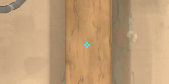
0;s;1;P;c;5;o;0;f;0;0l;2;0v;2;0g;1;0o;1;0a;1;0f;0;1b;0
| Setting | Value |
| Crosshair Color | Cyan (#00FFFF) |
| Outlines | Off |
| Outline Opacity / Thickness | 0 / 0 |
| Center Dot | Off |
| Inner Line Opacity | 1.0 |
| Inner Line Length | 2 |
| Inner Line Thickness | 2 |
| Inner Line Offset | 1 |
| Outer Lines | Off |
| Movement / Firing Error | Off / Off |
Using Cyan (#00FFFF) provides target acquisition advantages grounded in visual color theory. The tactical maps in VALORANT primarily feature warm earth tones, neutral grey concrete, and dark brown wood textures. Cyan sits directly opposite reddish-orange hues on the color wheel, creating maximal chromatic contrast.
When tracking enemy player models across dusty corridors like Bind B Hall or Haven Long A, a Cyan reticle maintains high luminance separation. This high contrast prevents the crosshair from blending into background geometry or yellow enemy highlight outlines, ensuring visual tracking relies on instant peripheral focus without eye fatigue.
TenZ video and graphics settings 2026
Optimizing visual options in VALORANT requires balancing visual clarity against frame rate stability. TenZ configures his display settings to maximize clarity while stripping away performance-robbing visual effects.
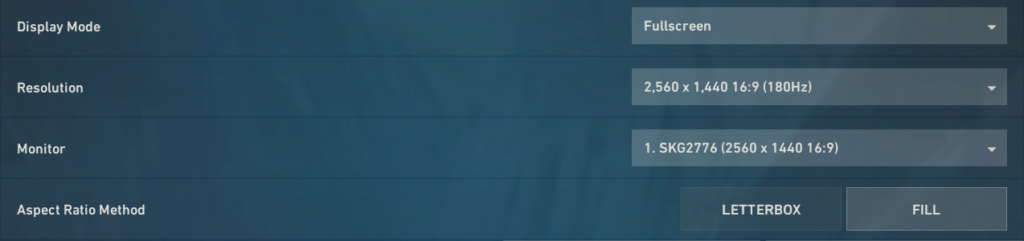
| General Display Setting | Value |
| Display Mode | Fullscreen |
| Resolution | 1920×1440 4:3 Stretched |
| Frame Rate Limit | Uncapped |
| Aspect Ratio Method | Fill |
| Graphics Quality Setting | Value |
| Multithreaded Rendering | On |
| Material Quality | Low |
| Texture Quality | Low |
| Detail Quality | Low |
| UI Quality | Low |
| Vignette | Off |
| V-Sync | Off |
| Anti-Aliasing | MSAA 2x |
| Anisotropic Filtering | 4x |
| Improve Clarity | On |
| Bloom | Off |
| Distortion | Off |
| Cast Shadows | Off |
Enabling Multithreaded Rendering distributes CPU processing across available core threads, lowering render queue latency. Setting Material, Texture, and Detail Quality to Low reduces GPU VRAM consumption and removes map clutter. Turning Vignette and Cast Shadows Off eliminates dark screen overlays, ensuring clear visibility in shadows. TenZ keeps Anti-Aliasing at MSAA 2x to smooth out jagged lines without causing input delay, while keeping Bloom off prevents bright flash effects from obscuring enemy crosshair placement during combat.
TenZ complete gear setup 2026
Here’s the gear TenZ uses in 2026
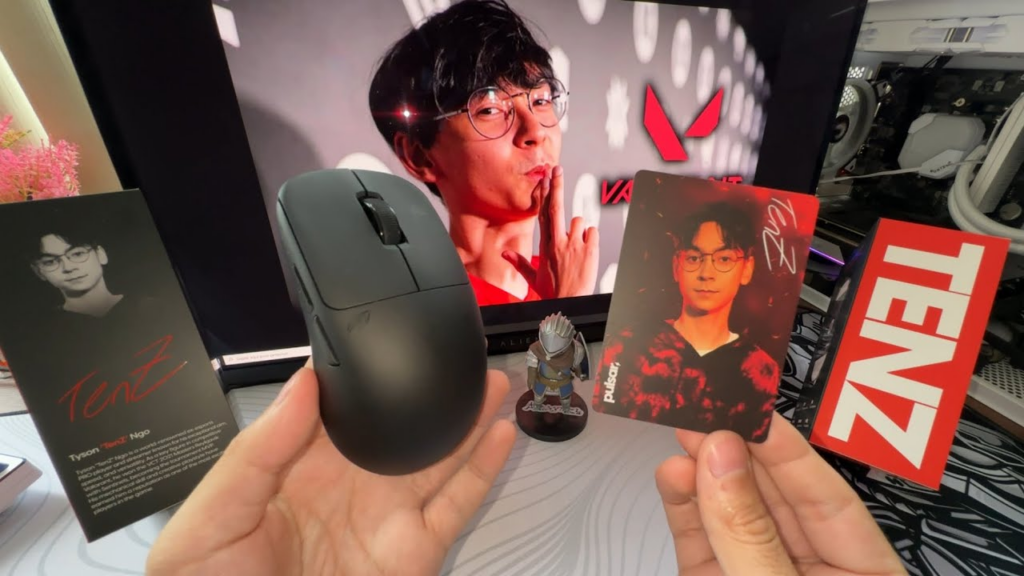
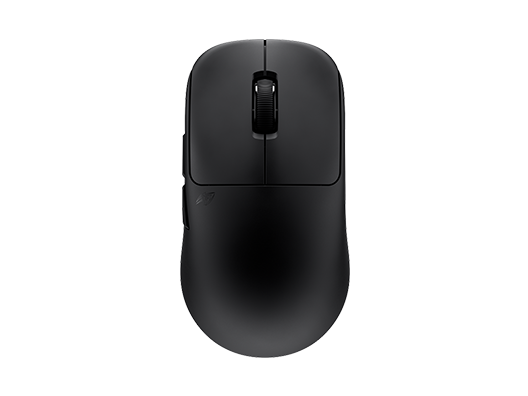
Mouse: Pulsar TenZ Signature Edition
The Pulsar TenZ Signature Edition mouse serves as the primary peripheral driver for high-speed target acquisition. Weighing in at an ultralight 47 grams, this wireless ambidextrous chassis minimizes dynamic kinetic friction against the tracking surface. The reduced mass directly decreases wrist fatigue during high-frequency flicking, permitting instantaneous micro-adjustments during extended mechanical sessions.
Equipped with an advanced optical sensor operating up to 32,000 DPI, the mouse delivers flawless surface tracking without motion smoothing or mechanical jitter. The hardware operates at a 1000 Hz polling rate to ensure continuous signal stability across fast directional shifts. The custom shell geometry accommodates claw and fingertip grip styles, offering an ideal hand contact profile for micro-aim control.
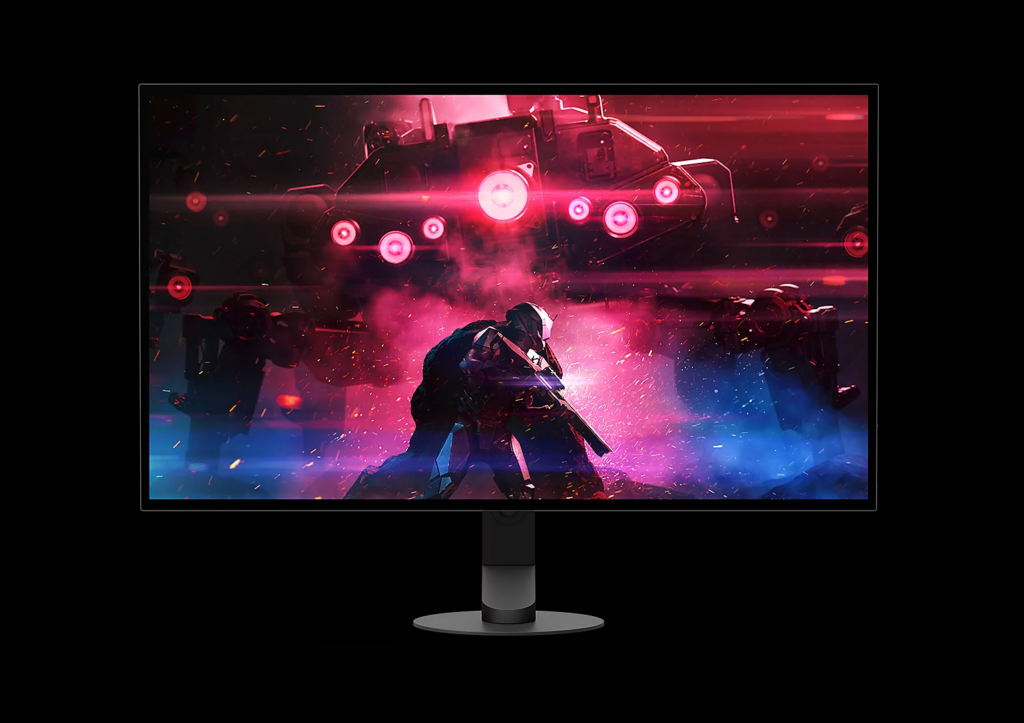
Monitor: Sony INZONE M10S
Visual output is handled by the Sony INZONE M10S 27-inch 1440p OLED display running at a 480Hz refresh rate. Operating at 480Hz yields an extreme frame interval of roughly 2.08 milliseconds between display updates, dramatically reducing motion blur and spatial ghosting during fast camera pans.
The OLED panel technology provides pixel response times as low as 0.03 milliseconds, ensuring immediate color state transitions without trail artifacts behind fast-moving player targets. The 2560×1440 native panel resolution offers elevated spatial pixel density, making distant enemy head hitboxes visually distinct against complex map geometries and visual effects.
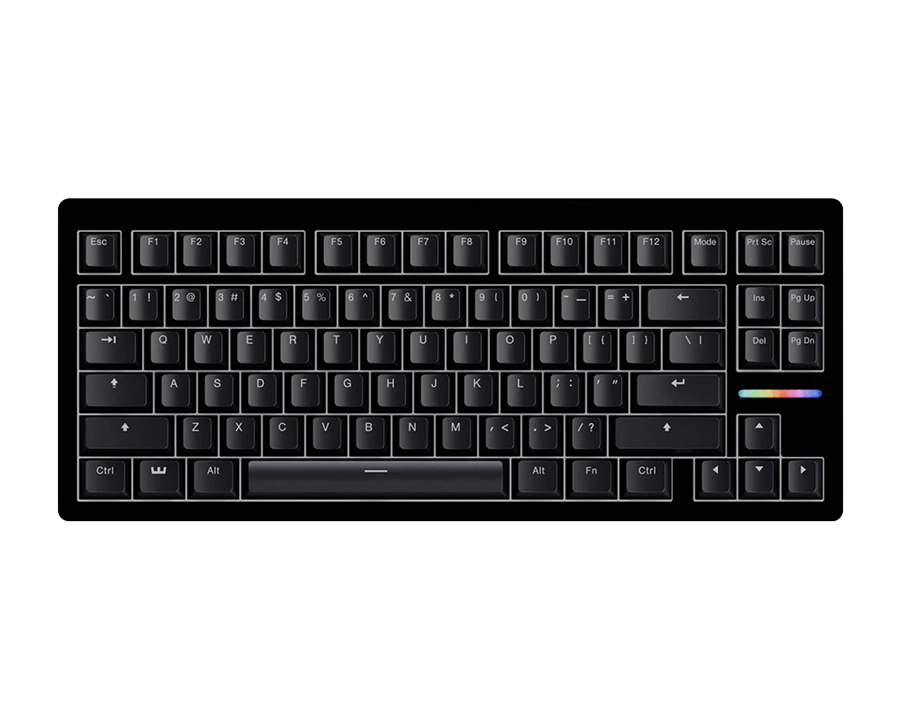
Keyboard: Wooting 80HE
Movement input relies on the Wooting 80HE analog hall-effect magnetic keyboard. Hall-effect switches utilize magnetic field sensors rather than traditional mechanical metal leaf contacts, enabling dynamic actuation points customizable per key down to 0.1 millimeters. Rapid Trigger technology resets the key actuation the instant the switch begins moving upward, eliminating physical key reset latency.
This feature proves critical for counter-strafing in tactical shooters, allowing player movement velocity to decay to zero instantly when releasing movement keys. The swift stopping acceleration guarantees maximum first-bullet accuracy without delayed input registration during tight peek engagements.
Audio: 64 Audio U12t IEMs
Aural feedback is captured through 64 Audio U12t custom in-ear monitors paired with external audio interface gear. Featuring twelve balanced armature drivers per ear, these IEMs provide separation across low, mid, and high acoustic frequencies.
Precise spatial positioning cues such as subtle footsteps, reload sounds, and ability deployments are rendered with minimal harmonic distortion. The isolated in-ear fit isolates passive external ambient room noise, enabling lower sound pressure levels while maintaining acoustic clarity across competitive tactical match environments.

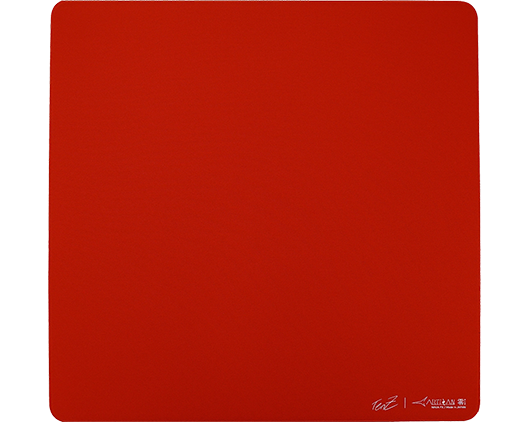
Mousepad: Artisan Zero XSOFT
The mousepad foundation consists of the Japanese-engineered Artisan Zero XSOFT surface. Featuring a fine weave cloth surface, the pad balances static friction for initial stopping power with low kinetic friction for smooth gliding.
The XSOFT sub-surface foam base allows the user to press the mouse down slightly into the pad surface to introduce mechanical braking force during high-velocity stopping movements. This tactile dampening effect aids in steadying crosshair placement when locking onto targets, preventing target overshooting during panic adjustments.
PC Hardware: Core i9-14900K and RTX 4090
Driving the high-refresh visual pipeline is a high-performance PC architecture anchored by an Intel Core i9-14900K processor and an Nvidia GeForce RTX 4090 graphics card. The multi-threaded CPU clock frequencies minimize frame generation bottlenecks, ensuring framerates remain consistently above 500 FPS during intensive team fights. The RTX 4090 provides ample VRAM bandwidth and rendering speed, maintaining consistent frame rendering intervals and minimal render queue delay across stretched resolutions. Analyzing the broader TenZ settings 2026 framework illustrates how top-tier hardware headroom directly stabilizes total system latency.
Chair and Desk Setup
The physical station utilizes an ergonomic gaming chair paired with a stable desk surface. Proper ergonomic spinal alignment prevents upper back fatigue during multi-hour competitive sessions, maintaining steady arm placement relative to the desk surface. Neutral elbow height alignment ensures the forearm rests flush against the mousepad surface, eliminating shoulder tension that could impede smooth tracking motions.
TenZ keybinds 2026
Configuring optimal movement and ability bindings allows players to execute complex tactical maneuvers without compromising mechanical aiming form.
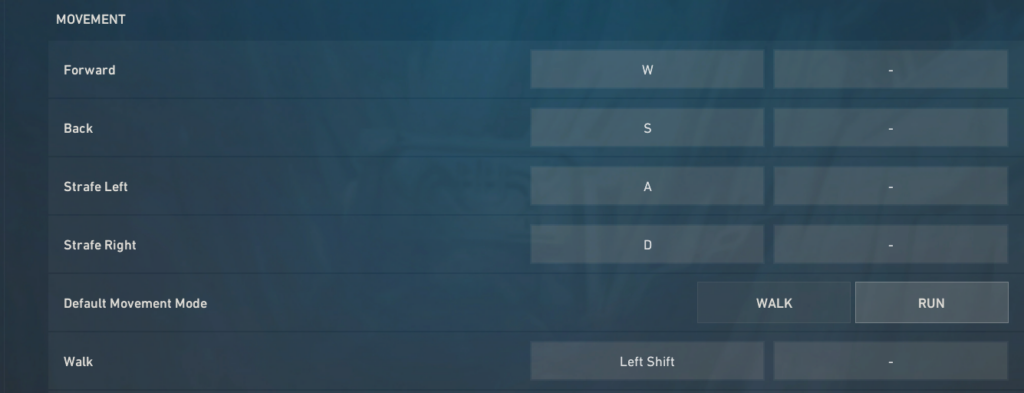
| Action | Keybind |
| Walk | Left Shift |
| Crouch | Left Ctrl |
| Jump | Mouse Wheel Down |
| Use Object | E |
| Equip Primary / Secondary / Melee | 1 / 2 / 3 |
| Equip Spike | 5 |
| Ability 1 / Ability 2 / Ability 3 | C / Mouse 4 / Mouse 5 |
| Ultimate Ability | F |
Executing movement mechanics cleanly relies heavily on decoupling jumping from the spacebar. Binding jump exclusively to Mouse Wheel Down enables precise scroll-wheel input timing, allowing immediate jump registration upon touching ground surfaces to execute flawless bunny hops without losing forward momentum.
Moving primary signature abilities to side mouse buttons (Mouse 4 and Mouse 5) ensures the left hand maintains uninterrupted contact with WASD movement keys during critical fights. Offloading utility deployment to thumb inputs allows duelists to throw flashbangs or deploy dashing entry abilities while maintaining full lateral counter-strafing control. Combined with TenZ settings 2026, this ergonomic distribution minimizes key-press conflicts during fast-paced tactical site takes.
How to adapt TenZ settings
Transitioning to TenZ settings 2026 requires a structured adaptation methodology rather than an overnight overhaul. Copying mechanical parameters without physical adjustment periods can temporarily degrade crosshair control and spatial coordination.
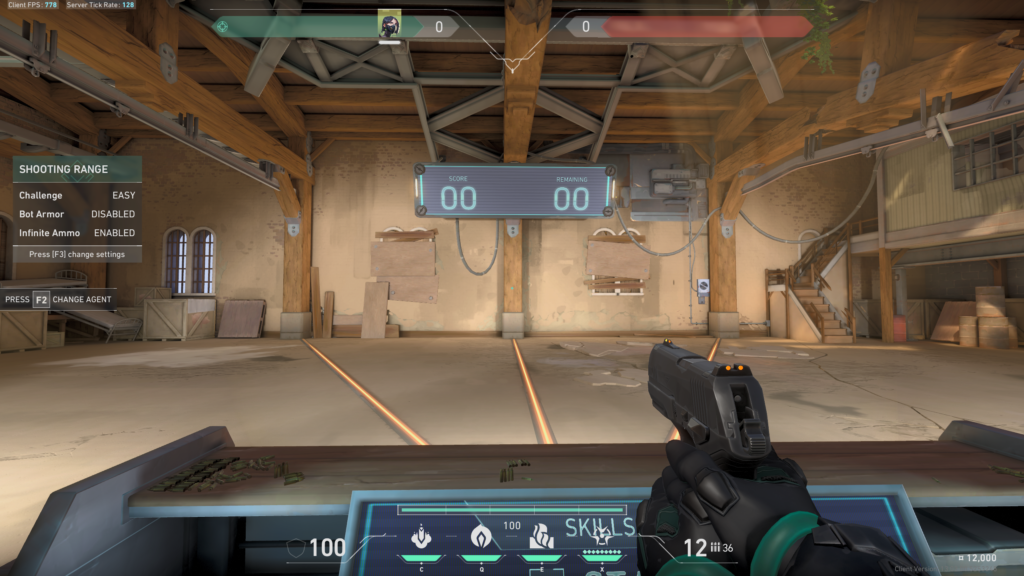
Phase 1 focuses on immediate adoption. Players should instantly import the cyan crosshair code, configure display settings for maximum visual clarity, turn off cast shadows, and enable raw input buffer. These parameters eliminate visual clutter and lower input latency without altering established muscle memory.
Phase 2 involves gradual physical adaptation over three weeks. Players transitioning from high eDPI values should incrementally drop their effective sensitivity toward 276.8 across several aim training sessions. Shifting to 1600 DPI while keeping low multipliers allows the nervous system to adapt to subtle micro-corrections without over-flicking.
Phase 3 emphasizes avoiding blind replication. High-cost peripheral purchases or specialized keybinds like mouse-wheel jump bindings do not automatically yield higher rank tiers. Mechanical skill relies on consistent execution and deliberate practice rather than identical hardware setups.
TenZ aim training and warm-up routine
Developing top-tier mechanical execution requires a structured daily warm-up protocol before jumping into competitive matches. TenZ uses a tailored Aimlabs routine focused on motor control, tracking smoothness, and target acquisition. Spending 15 minutes on custom playlists containing Gridshot, dynamic clicking, and micro-tracking tasks activates hand-eye coordination without causing mental fatigue. The goal in software aim trainers is not chasing high scores, but rather establishing consistent mouse control and smooth wrist motion.
Following aim software tasks, the warm-up transitions directly into the VALORANT practice range. TenZ utilizes easy and medium bot drills with a Sheriff or Guardian to practice patient click timing and precise headshot alignment. Incorporating strafe-shooting drills with the Vandal helps calibrate counter-strafing timing, ensuring movement error is completely eliminated before firing.
The final stage of the routine involves two to three Deathmatch or Team Deathmatch rounds. Rather than playing for match victories or sound-whore positioning, TenZ focuses purely on crosshair placement, angle isolation, and first-bullet accuracy. Combining structured Aimlabs drills, Range mechanical isolation, and Deathmatch combat practice ensures peak mechanical readiness across every competitive session.
Achieving mechanical mastery in tactical shooters is an ongoing process of deliberate practice, self-assessment, and personal adaptation. While analyzing TenZ settings 2026 provides a world-class foundation for optimizing hardware responsiveness and visual clarity, blindly copying every configuration parameter will not instantly elevate gameplay. Peak mechanical performance stems from developing muscle memory, refining crosshair placement, and building a setup that complements personal physical biomechanics. Use these configurations as a baseline to experiment, fine-tune your control, and construct a personalized competitive environment tailored to your individual playstyle.
