




nAts plays Valorant on 800 DPI and 0.49 sensitivity with a small green crosshair and a 1280×960 stretched resolution. Here are his current settings, his crosshair code and the gear on his desk.
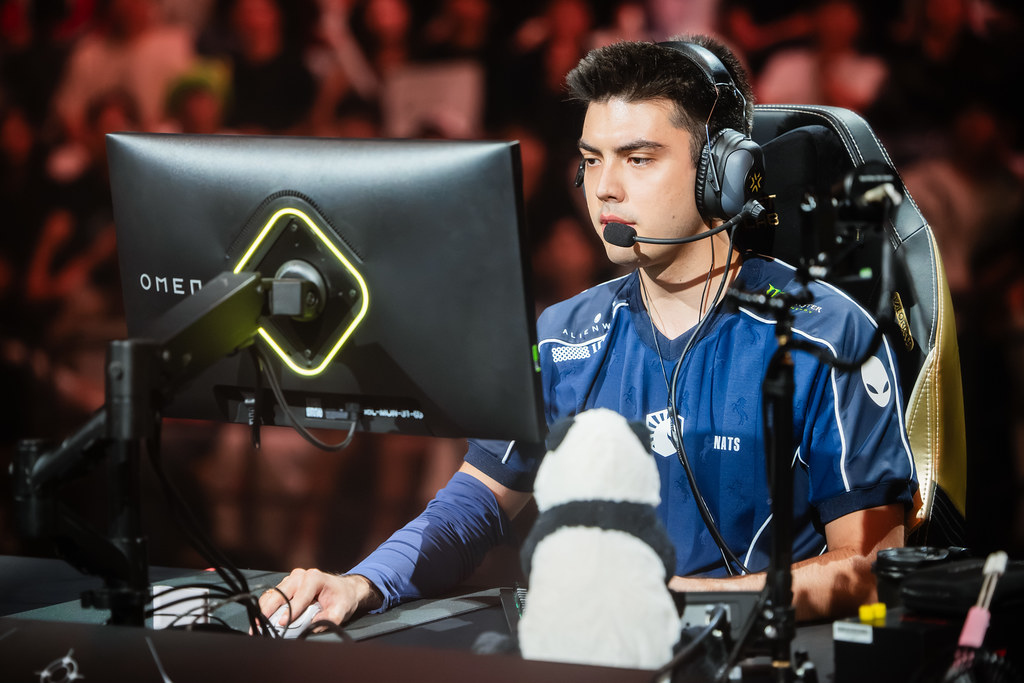
Ayaz “nAts” Akhmetshin has changed little since he won Masters Berlin 2021 with Gambit: the sensitivity is the one his channel listed that year, and the monitor is still a 240Hz screen. He has spent four seasons at Team Liquid, who put him on the inactive list in October 2026. The sensitivity and resolution are the ones his Twitch channel listed in 2021 and ProSettings still lists, on a page last updated on 30 June 2026, and the crosshair is the small green cross Riot showed for him in 2023.
Want more pley.gg in your Google results?
Add to Preferred SourcesnAts settings at a glance
| Setting | Value |
|---|---|
| DPI | 800 |
| Sensitivity | 0.49 |
| eDPI | 392 |
| Polling rate | 1000Hz |
| Resolution | 1280×960 (4:3 stretched) |
| Crosshair colour | Green |
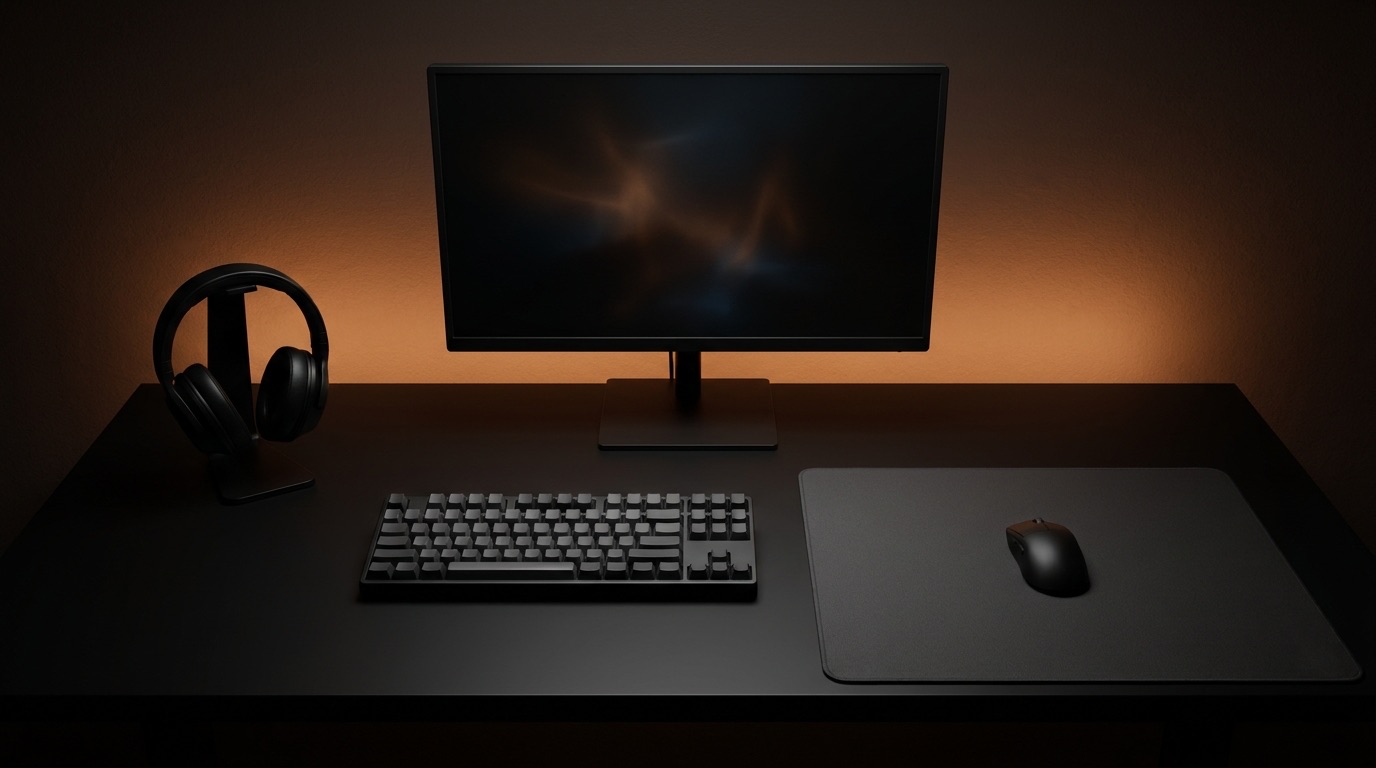
nAts gear 2026
Tap a dot on the desk to see each product.
 Tap a dot
The desk photo is an illustration. As an Amazon Associate we earn from qualifying purchases.

nAts crosshair code
Copy the code below, open Settings and then Crosshair in Valorant, press Import profile code and paste it in.
0;P;c;1;o;1;f;0;0t;1;0l;2;0o;2;0a;1;0f;0;1b;0
| Setting | Value |
|---|---|
| Colour | Green |
| Outlines | On, opacity 1 |
| Centre dot | Off |
| Inner line opacity | 1 |
| Inner line length | 2 |
| Inner line thickness | 1 |
| Inner line offset | 2 |
| Outer lines | Off |
| Firing error | Off |
It is a small green cross with a black outline and a gap in the middle. Riot showed it with Team Liquid’s crosshairs in February 2023. It was still the crosshair listed for him in November 2026.
nAts mouse settings and sensitivity
nAts uses 800 DPI and 0.49 in-game sensitivity. Multiply the two and you get his eDPI of 392, which is the number to compare between players.
You do not need his DPI to get the same feel. On 1600 DPI, a sensitivity of 0.245 gives the same eDPI, and on 400 DPI it is 0.98. His mouse runs at a 1000Hz polling rate, and ProSettings lists a scoped sensitivity of 1.0 and Raw Input Buffer off.
nAts video settings
He plays on 1280×960 stretched to fill the screen, which makes player models wider. His graphics are a step above the usual all-low setup: textures on medium, 4x anti-aliasing and shadows on.
| Setting | Value |
|---|---|
| Resolution | 1280×960 |
| Aspect ratio | 4:3 |
| Aspect ratio method | Fill |
| Display mode | Fullscreen |
| Multithreaded rendering | On |
| Material quality | Low |
| Texture quality | Medium |
| Detail quality | Low |
| UI quality | Low |
| Vignette | Off |
| V-Sync | Off |
| Anti-aliasing | MSAA 4x |
| Anisotropic filtering | 16x |
| Improve clarity | Off |
| Bloom | Off |
| Distortion | Off |
| Cast shadows | On |
| Enemy highlight colour | Red (default) |
nAts keybinds
| Action | Key |
|---|---|
| Walk | Left Shift |
| Crouch | Left Ctrl |
| Jump | Space bar |
| Use object | E |
| Primary, secondary, melee | 1, 2, 3 |
| Spike | 5 |
| Ability 1 | C |
| Ability 2 | F |
| Ability 3 | 4 |
| Ultimate | X |
Four binds differ from the defaults. Use object is on E, the second ability on F and the third on 4, with the spike moved to 5 to make room. If you learned your binds in Counter-Strike, E for use will feel familiar.
nAts gear in detail
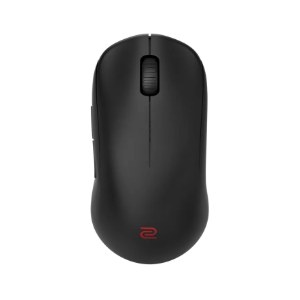
Mouse: ZOWIE U2-DW
A wireless mouse with a symmetrical shape and no software to install. He has used the black one since February 2025.
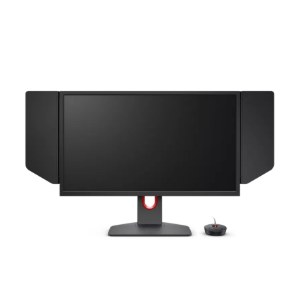
Monitor: ZOWIE XL2546K
A 24.5-inch 1080p monitor that runs at 240Hz. It was already on his desk in 2021. ProSettings had him on an Alienware AW2523HF from May 2024 and has listed the XL2546K again since February 2026.
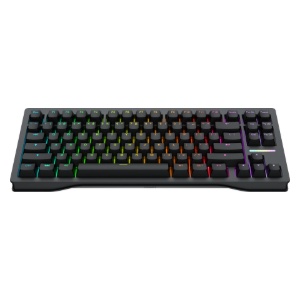
Keyboard: Wooting 80HE
A hall effect keyboard with Rapid Trigger: a key resets the moment you start to lift your finger, which makes counter-strafing quicker.
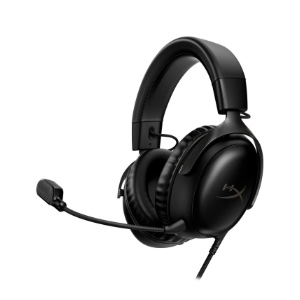
Headset and mousepad
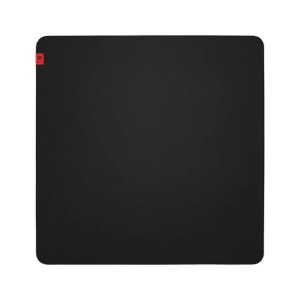
A wired HyperX Cloud III headset and the ZOWIE H-SR III, a cloth pad on the control side.
Should you copy nAts’ settings?
Take the crosshair and the keybinds you like today. They cost nothing and change nothing about your aim.
His eDPI of 392 is the highest on our Valorant settings pages so far, above the 320 of aspas. It is on the fast side, so small hand movements go a long way. If yours is far lower, move towards it a little at a time over a couple of weeks instead of in one jump. The best lesson is the monitor: you do not need 600Hz to play at the top.
More pro settings
Read next
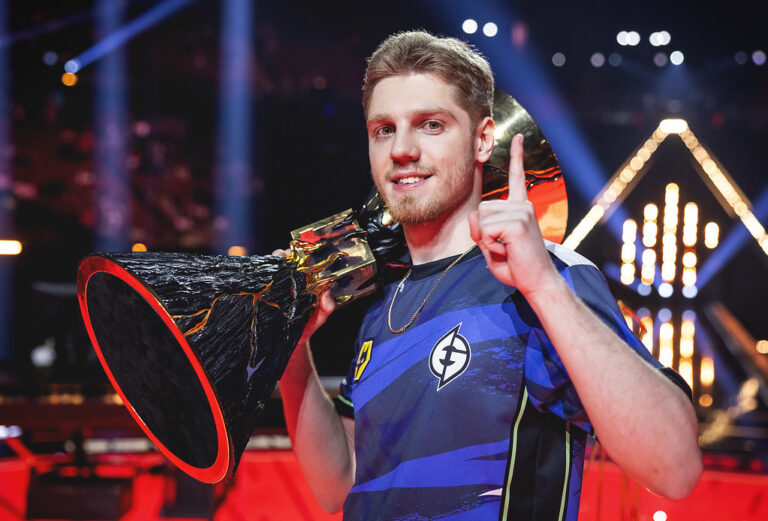 ValorantDemon1 Valorant settings 2026: crosshair code, sensitivity and gear1 day ago
 ValorantBrimstone Valorant guide: Mastering the tactical commanderUpdated 1 day ago
 ValorantHarbor Valorant guide: Dominating the site with tidal pressureUpdated 1 day ago
 Top storyGentle Mates reunite Boaster and Alfajer in 2027 rebuild6 hours ago