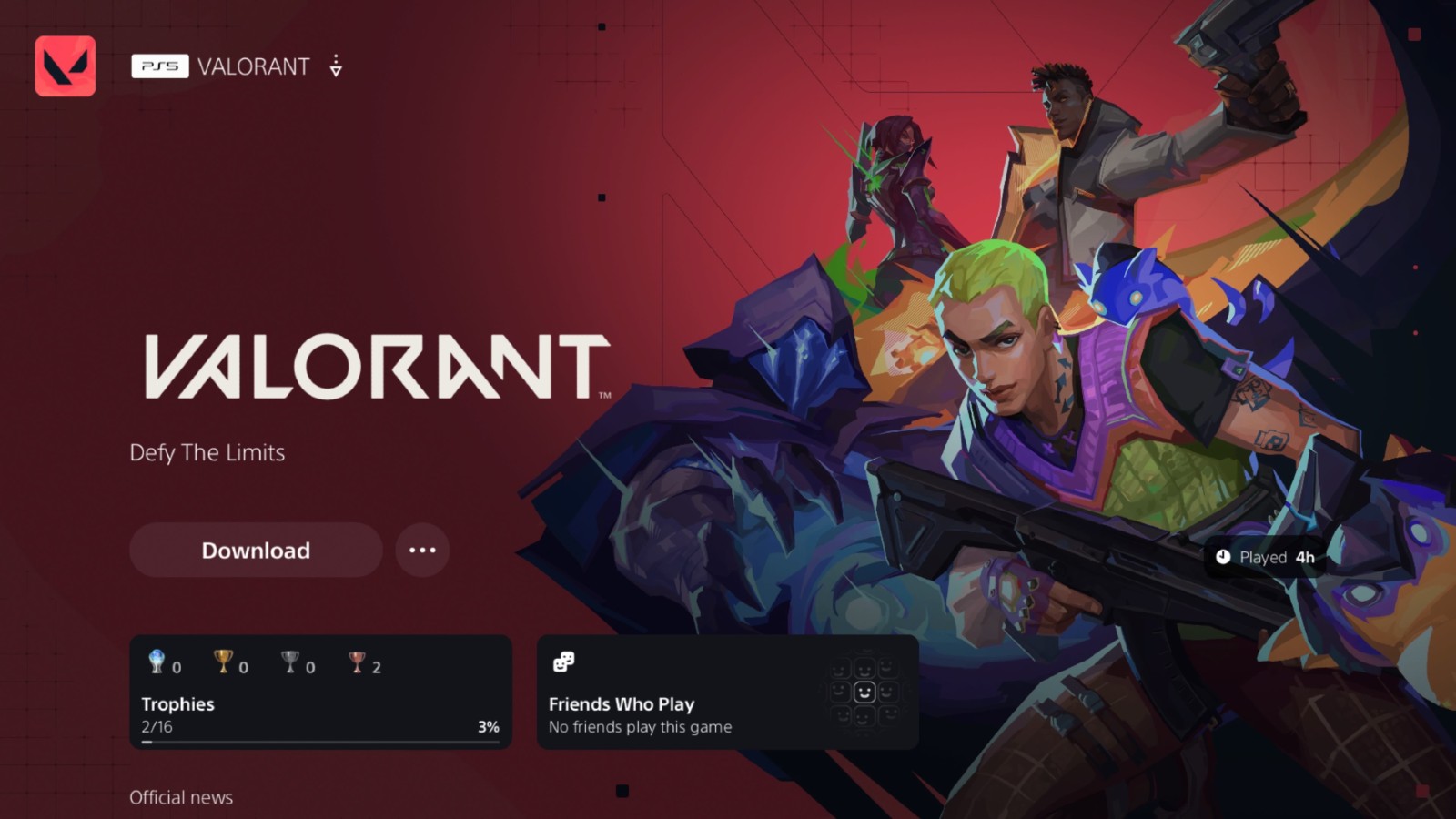






Uninstalling Valorant may be necessary for many reasons, whether you are troubleshooting technical issues, freeing up storage, or simply taking a break from the game. This guide will show you how to fully remove Valorant and Riot Vanguard from your PC, PS5, or Xbox Series S/X, ensuring no residual files remain and your system is clean for future installations or other games.
How to uninstall Valorant on PC
Step 0: Disable Riot Vanguard
What is Riot Vanguard

Riot Vanguard is Riot Games’ kernel-mode anti-cheat software, designed to protect its games from cheating software and security breaches. It is mandatory to run Vanguard to play Valorant
Riot Vanguard runs at a deep system level and must be disabled before uninstalling Valorant
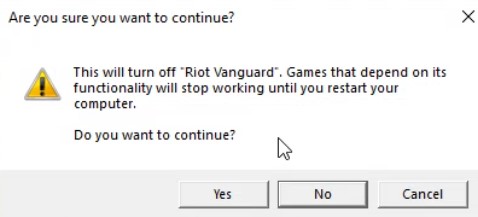
Right-click the red Vanguard icon in your taskbar and select Exit Vanguard, then click yes.

Step 1: Uninstall Riot Vanguard
Open Control Panel or the Settings app
Go to Programs or Apps & Features

Find Riot Vanguard, right-click, and select Uninstall
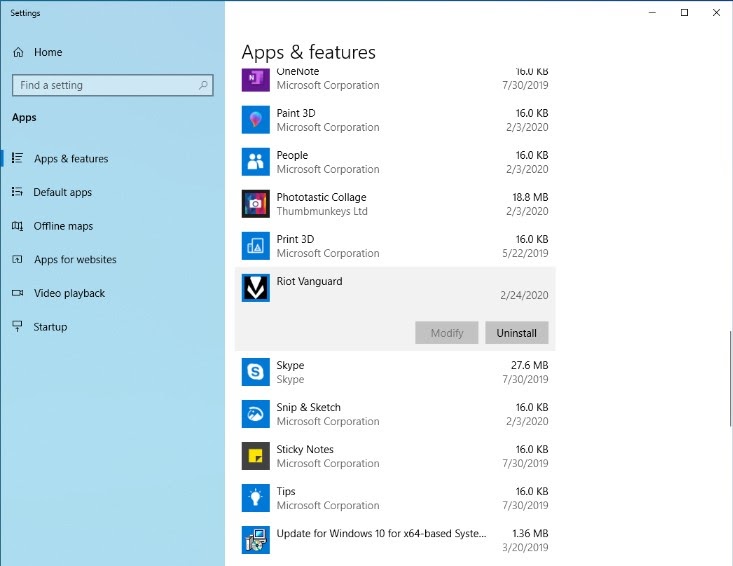
Follow the on-screen instructions
Step 2: Uninstall Valorant Client
Open Control Panel or Settings again (Just same as steps above)
Locate Valorant in the programs list
Right-click and select Uninstall
Confirm your choice and follow the instructions
Step 3: Delete Residual Files
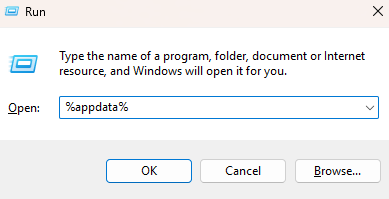
Press Windows + R to open Run, type %appdata%, and press Enter
Delete the Riot Games folder
Repeat for %LocalAppData%Riot Games and %ProgramData%Riot Games
Alternative Method Using Control Panel
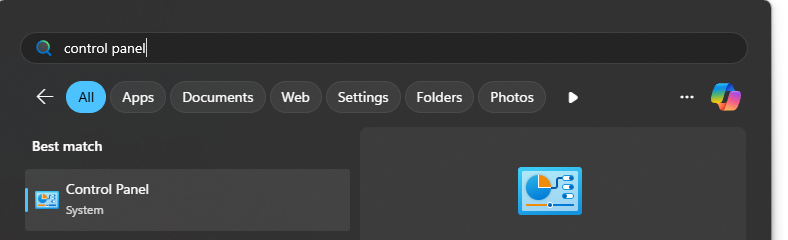
Open Control Panel via Start menu
Go to Programs → Programs and Features
Find Valorant, right-click, and select Uninstall
Wait for the process to complete
How to uninstall Valorant on PS5
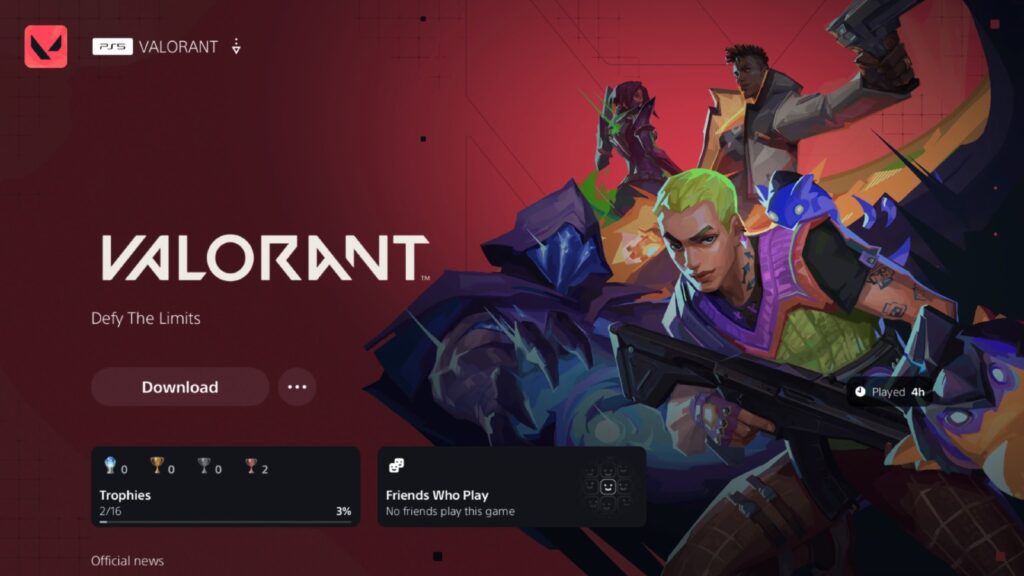
Locate Valorant on the PS5 home screen or in your library
Press the options button on the controller
Select Delete from the pop-up menu

How to uninstall Valorant on Xbox Series S/X
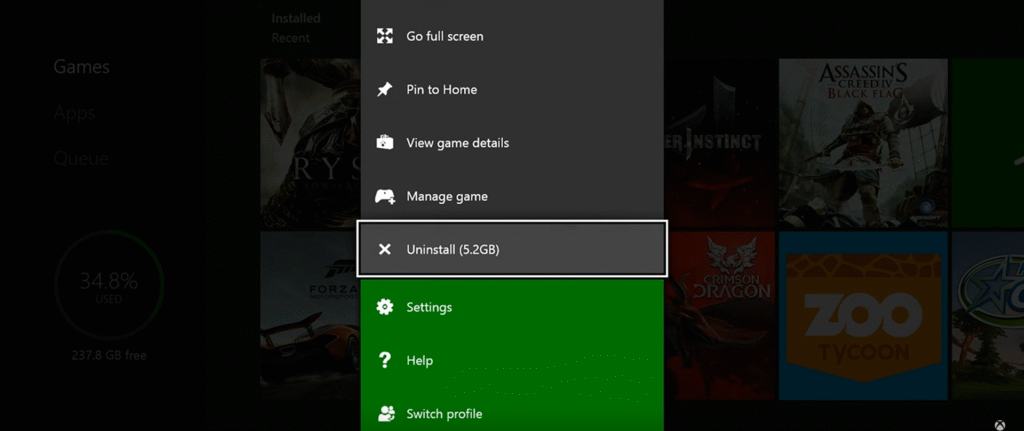
Go to the Xbox home screen
Press the Xbox button, then navigate to My Games & Apps
Select See All and find Valorant
Press the menu button and choose Uninstall
Following these steps ensures that all Valorant files, Riot Vanguard, and residual data are removed from your system, leaving a clean slate for your next gaming session
For more Valorant guides, tips, and updates check out Pley.gg
Source:
