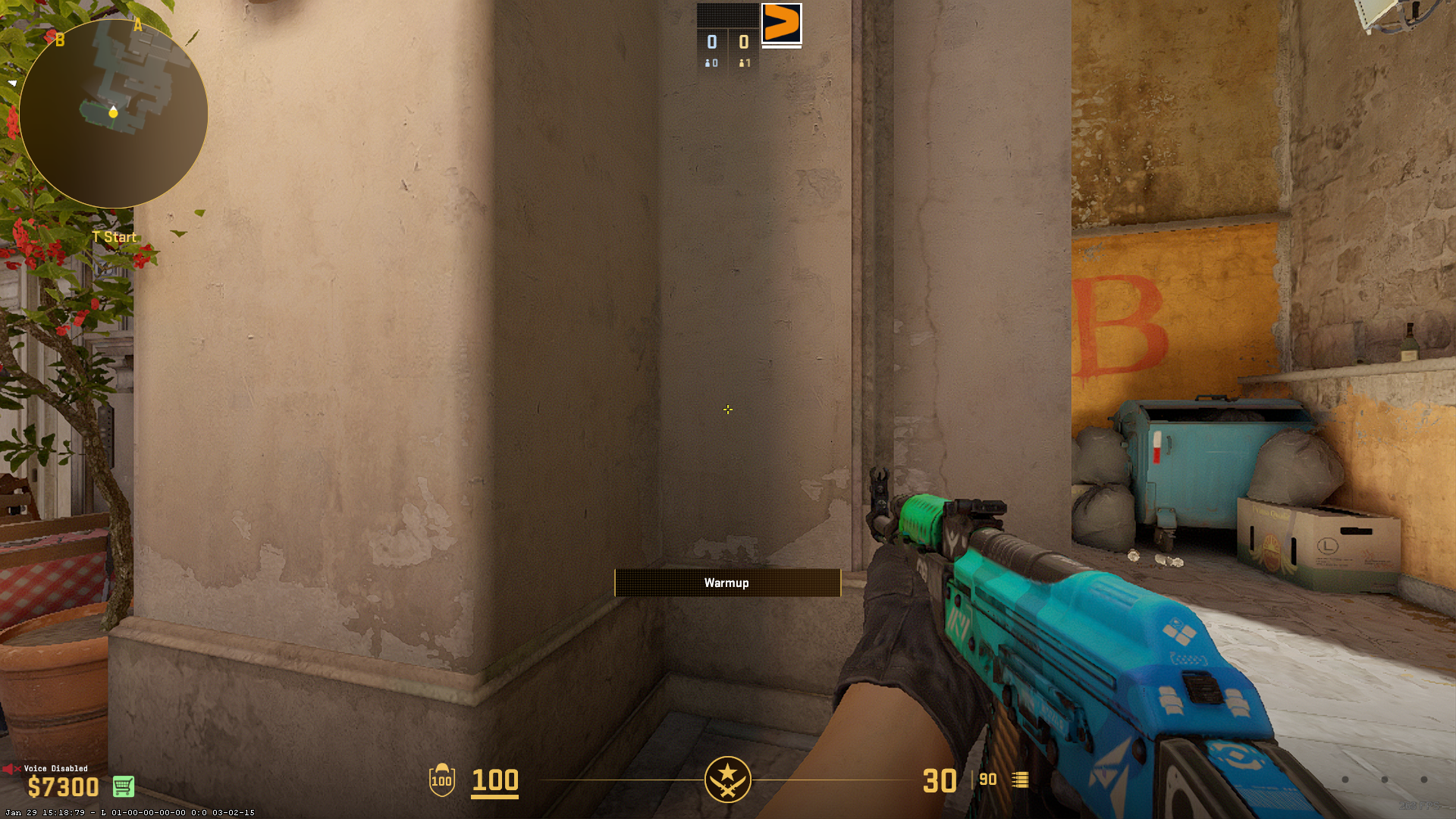







Are you also switching up your crosshair every time you lose a match in Premier? Or are you looking for inspiration from some of the biggest stars on the scene? We got you covered!
First of all, let’s start out by showing you how to change your crosshair in the first place.
How to import a Crosshair Code in CS2
Importing a crosshair in CS2 is simple and only takes a few steps:
- Open CS2 Settings by clicking the gear icon in the top-left.
- Navigate to “Game” → “Crosshair”.
- Click the “Share or Import” button in the Crosshair preview section.
- Copy and paste any of the crosshair codes listed above.
- Press “Import” and apply the crosshair.
Pro player CS2 crosshair codes
We all want to aim like the gods of the server. While copying a config won’t instantly give you ZywOo’s game sense or donk’s aggression, it eliminates a variable. If it works for them at the Major, it works for you in your Faceit pug. Most pros stick to a few rigid principles: static styles, high contrast colors (usually cyan, green, or yellow), and minimal screen obstruction. You rarely see dynamic CS2 crosshairs at the top level because consistency is king.
| Player | Crosshair | Team | Role | CS2 Crosshair Code | Style Notes |
|---|---|---|---|---|---|
| ZywOo | 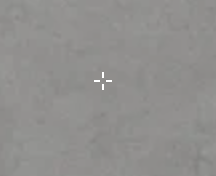 | Vitality | AWP/Hybrid | CSGO-FNOLG-fQcPX-V8P7K-VqtAf-ZbJaA | Small, precise, no dot. Perfect for tapping. |
| NiKo | 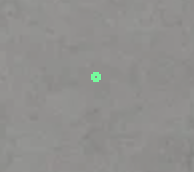 | Falcons | Rifler | CSGO-AkTYm-syAcf-UKom7-tGKdM-mOJvM | Tiny, static. The “Deagle God” setup for precision. |
| donk | 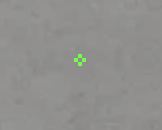 | Spirit | Entry | CSGO-3P8vG-eFro9-pvpiB-Ut7o3-dv6KQ | Compact. Built for aggressive sprays and transfers. |
| m0NESY | 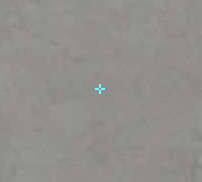 | Falcons | AWP | CSGO-Xu7jD-Q8hte-wC6jj-eYmth-mRFuA | Minimalist. Clear vision for quickscopes and pistols. |
| ropz | 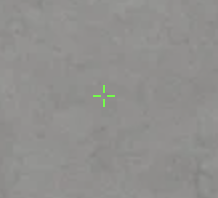 | Vitality | Lurker | CSGO-5UHEt-3RFCY-4Nu8t-4UYGQ-vJN2G | Clean. Great for methodical clearing and holding. |
| Twistzz | 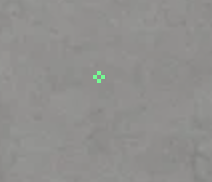 | FaZe | Rifler | CSGO-huOO3-dSbB7-zVy77-jBptS-48G8D | Ultra-minimal. The Headshot Machine’s choice. |
| s1mple | 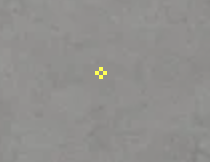 | BC.game | AWP/Rifler | CSGO-qn2Ac-Ha9MX-87Kok-rVma5-ZmRBD | Classic. The GOAT’s long-time preference. |
To use these, simply copy the code, open your settings menu in CS2, navigate to “Crosshair,” click “Share or Import,” and paste the text.

Recommended CS2 Crosshair configurations based on playstyle
Different playstyles benefit from different crosshair types. Here’s a quick reference guide:
| Playstyle | Recommended Crosshair Type |
|---|---|
| Aggressive Rifler | Small, static crosshair (e.g., m0NESY’s crosshair) |
| AWPer / Sniper | Dot crosshair for pinpoint precision |
| Entry Fragger | Medium-sized crosshair with a visible gap |
| Support Player | Thin crosshair for clear vision |
| Casual / New Player | Dynamic crosshair with recoil follow |
Optimizing for visibility in CS2
CS2 is brighter and more vibrant than its predecessor. This caused problems for many veteran players who used legacy settings. A thin yellow crosshair might have worked in Global Offensive, but on the sun-bleached walls of Anubis or the bright concrete of Vertigo in CS2, it becomes invisible.
We recommend adding cl_crosshair_drawoutline 1 if you play on lower resolutions. This adds a black border around your reticle, ensuring it remains visible even when aiming at bright skies or lit surfaces. If you hate outlines, switch your color to a deep Cyan or even Red, though Red can sometimes blend with blood spatters or darker corners on Ancient.
Additional customization
Once imported, you can fine-tune your crosshair by adjusting settings such as:
- Color: Choose a bright color that stands out from map textures.
- Outline: Enable outlines to improve visibility against light backgrounds.
- Gap & Thickness: Adjust based on personal preference for better target visibility.
Another factor is your monitor. With the rise of 360Hz and 480Hz OLED panels, motion clarity is higher than ever. This means you can afford to use thinner CS2 crosshairs without them blurring into non-existence during a flick. If you are still on a 60Hz or 144Hz panel, a slightly thicker crosshair might help you keep track of it during fast swipes.
Ultimately, the best CS2 crosshairs are the ones you don’t notice until you need them. They should feel like an extension of your mouse, precise enough to click heads but subtle enough to let you see the entire battlefield. Don’t be afraid to experiment. If donk’s crosshair feels too small, try NiKo’s. If that feels too static, try adding a dot. The goal is comfort, confidence, and clicking heads.


