





Demon1 plays Valorant on 1600 DPI and 0.1 sensitivity with a thin white crosshair. Here are his current settings, his crosshair code and the gear on his desk.
Half of aspas’ speed: that is the short version of how Max “Demon1” Mazanov aims. The Champions 2023 winner with Evil Geniuses plays on an eDPI of 160, where aspas is on 320. He joined ENVY in February 2026 and has been on their inactive list since September. ENVY signed a new lineup in November, and no team has announced him for 2027. The sensitivity and crosshair below come from his own Twitch channel, where he set them in May 2024, and ProSettings listed the same numbers when it last updated his page on 16 November 2026. The gear is from that page.
Want more pley.gg in your Google results?
Add to Preferred SourcesDemon1 settings at a glance
| Setting | Value |
|---|---|
| DPI | 1600 |
| Sensitivity | 0.1 |
| eDPI | 160 |
| Polling rate | 4000Hz |
| Raw Input Buffer | On |
| Resolution | 1920×1080 |
| Crosshair colour | White |
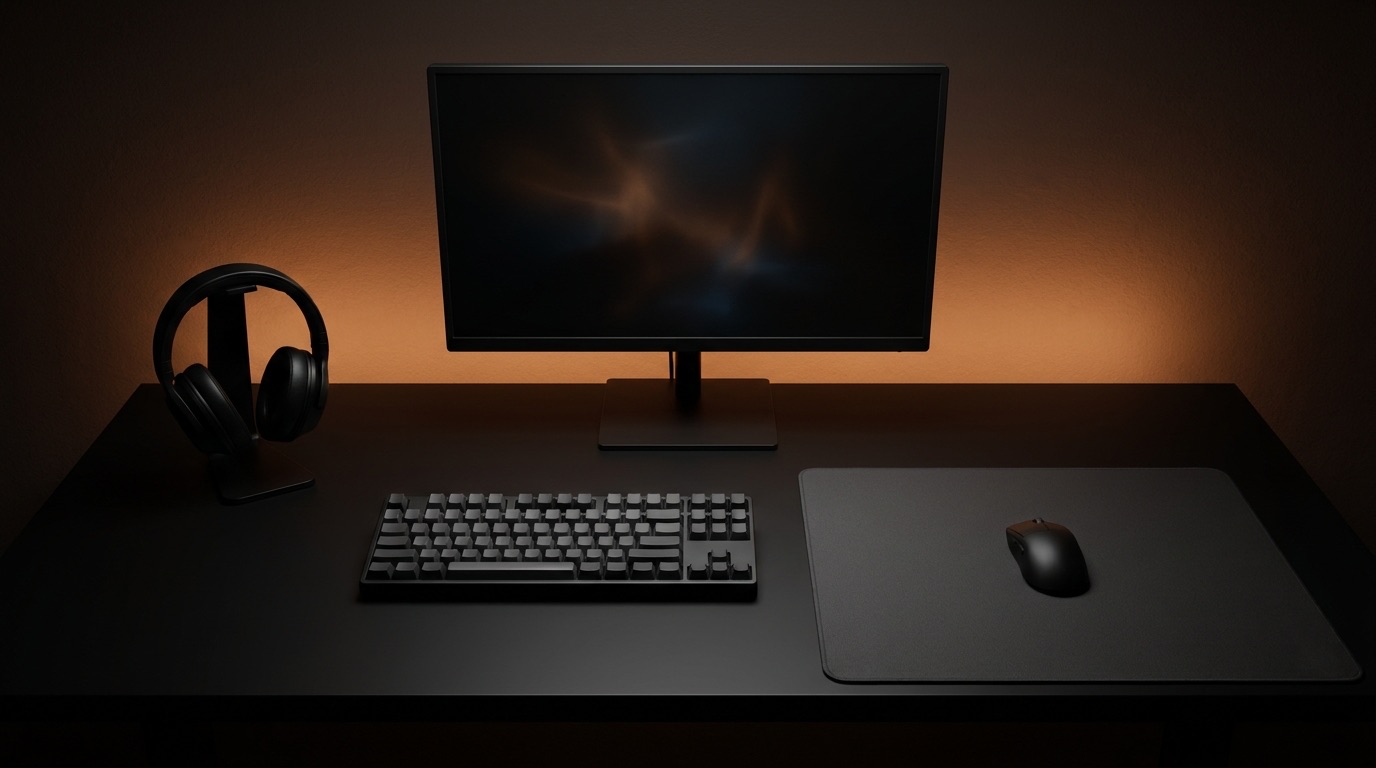
Demon1 gear 2026
Tap a dot on the desk to see each product.
 Tap a dot

The desk photo is an illustration. As an Amazon Associate we earn from qualifying purchases.


Demon1 crosshair code
Copy the code below, open Settings and then Crosshair in Valorant, press Import profile code and paste it in.
0;p;0;s;1;P;u;045DD8FF;o;1;f;0;0t;1;0l;3;0v;3;0o;2;0a;1;0f;0;1b;0;A;u;003D32FF;o;1;0t;1;0l;3;0o;2;0a;1;0f;0;1b;0;S;c;1;o;1
| Setting | Value |
|---|---|
| Colour | White |
| Outlines | On, opacity 1 |
| Centre dot | Off |
| Inner line opacity | 1 |
| Inner line length | 3 |
| Inner line thickness | 1 |
| Inner line offset | 2 |
| Outer lines | Off |
| Firing error | Off |
It is a thin white cross with a black outline, a small gap in the middle and no dot. His channel also lists a dot crosshair from 2023:
0;s;1;P;o;1;d;1;f;0;0b;0;1b;0;S;c;1;o;1
Demon1 mouse settings and sensitivity
Demon1 uses 1600 DPI and 0.1 in-game sensitivity. Multiply the two and you get his eDPI of 160, which is the number to compare between players.
You do not need his DPI to get the same feel. On 800 DPI, a sensitivity of 0.2 gives the same eDPI. His mouse runs at a 4000Hz polling rate, which is why Raw Input Buffer is on. In Aim Lab he goes a little faster, 0.125 on the same DPI, and he does not use mouse acceleration.
Demon1 video settings
He plays on native 1920×1080 with the graphics on low. These are the settings ProSettings listed on 16 November 2026.
| Setting | Value |
|---|---|
| Resolution | 1920×1080 |
| Aspect ratio method | Letterbox |
| Display mode | Fullscreen |
| Multithreaded rendering | On |
| Material quality | Low |
| Texture quality | Low |
| Detail quality | Low |
| UI quality | Low |
| Vignette | Off |
| V-Sync | Off |
| Anti-aliasing | MSAA 2x |
| Anisotropic filtering | 4x |
| Improve clarity | Off |
| Experimental sharpening | On |
| Bloom | Off |
| Distortion | Off |
| Cast shadows | Off |
| Enemy highlight colour | Purple (tritanopia) |
Demon1 keybinds
| Action | Key |
|---|---|
| Walk | Left Shift |
| Crouch | Left Ctrl |
| Jump | Space bar and mouse wheel down |
| Use object | F |
| Primary, secondary, melee | 1, 2, 3 |
| Spike | 4 |
| Ability 1 | C |
| Ability 2 | Q |
| Ability 3 | E |
| Ultimate | X |
The binds are the game’s defaults with one addition: jump is also on the mouse wheel. The purple enemy highlight in the video settings is the less common choice, as most players go for yellow.
Demon1 gear in detail
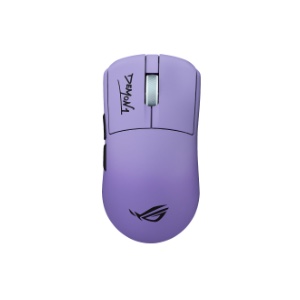
Mouse: ASUS ROG Harpe II Ace Mini Demon1 Edition
His signature mouse, the 47g ROG Harpe II Ace Mini Demon1 Edition, has been his mouse on ProSettings since 16 November 2026. ASUS designed the compact wireless shape with him. Before that he used the black Harpe II Ace from January 2026.
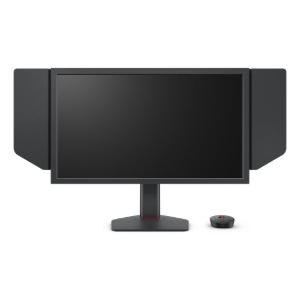
Monitor: ZOWIE XL2586X+
A 24.1-inch 1080p monitor that runs at 600Hz.
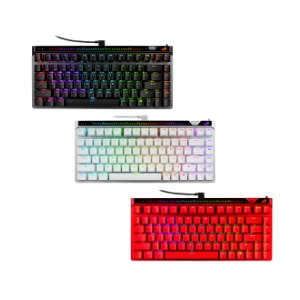
Keyboard: ASUS ROG Falchion Ace 75 HE
A 75 per cent hall effect keyboard with Rapid Trigger: a key resets the moment you start to lift your finger, which makes counter-strafing quicker.
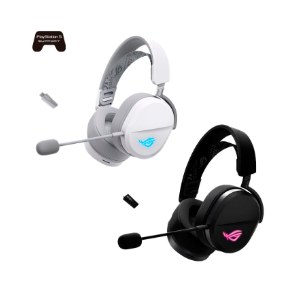
Headset and mousepad
The headset is the wireless ASUS ROG Pelta. The mousepad is his own cloth pad from Yuki Aim.
PC
An Intel Core i9-14900K processor, which he has listed on his channel since 2024. ProSettings has him on an Nvidia GeForce RTX 5080 graphics card since February 2026.
Should you copy Demon1’s settings?
Take the crosshair and the video settings today. They cost nothing and change nothing about your aim.
The sensitivity is the hard part. An eDPI of 160 means big arm movements and a large mousepad, so if yours is far higher, lower it a little at a time over a couple of weeks instead of in one jump. A 4000Hz polling rate only works with a mouse and a PC that can keep up, so leave yours at 1000Hz if the game starts to stutter.
More pro settings
Read next
 ValorantHarbor Valorant guide: Dominating the site with tidal pressureUpdated 5 hours ago
 ValorantValorant Mobile Release Date, Beta & Gameplay – Everything We KnowUpdated 5 hours ago
 ValorantValorant shop checker: see your daily store without opening the gameUpdated 9 hours ago
 Top storyMIBR set to name Happy head coach, THESPIKE reports9 hours ago