






Apex Legends is a free-to-play battle royale from Respawn Entertainment and EA, available across multiple PC platforms. Whether you prefer playing through EA’s launcher, the Epic Games Store, or Steam, downloading Apex Legends is quick and easy. Here’s how to install the game safely, along with the official links and system requirements.
How to download Apex Legends
Apex Legends is free-to-play and available on multiple PC platforms, making it easy to download and start playing. Follow the official links below to install the game safely and avoid third-party sites.
Official EA download

The best and most direct way to download Apex Legends is through EA’s official site. It provides automatic updates, cross-progression support, and full account security.
EA Official Apex Legends Download
Download via Epic Games store
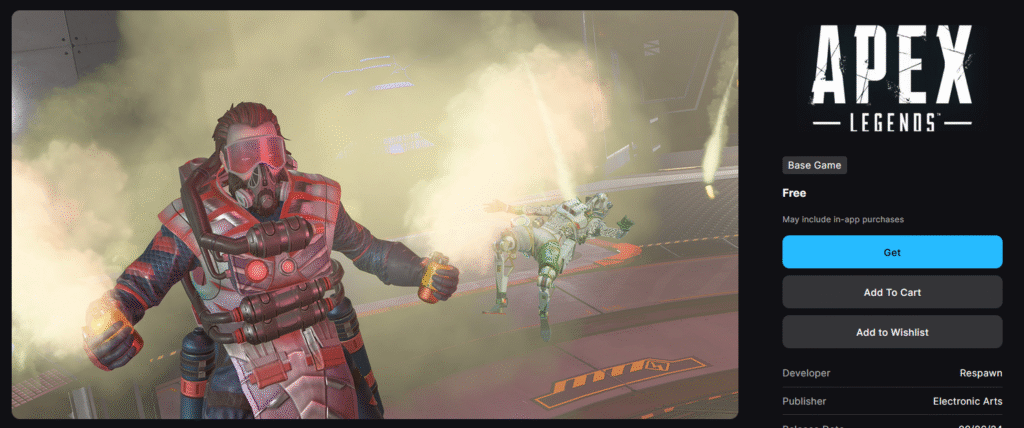
You can also grab Apex Legends through the Epic Games Store. This version supports cross-play and includes all current updates and events.
Epic Games Store – Apex Legends
Download via Steam

For Steam users, Apex Legends is fully integrated with Steam achievements and friends lists. It’s ideal if you already play most of your games through Valve’s launcher.
Apex Legends console downloads
If you’re playing on console, we’re happy to tell you that Apex Legends is actually supported on many consoles such as Xbox, PS4/PS5, Nintendo Switch 1/2
Download via official Nintendo store
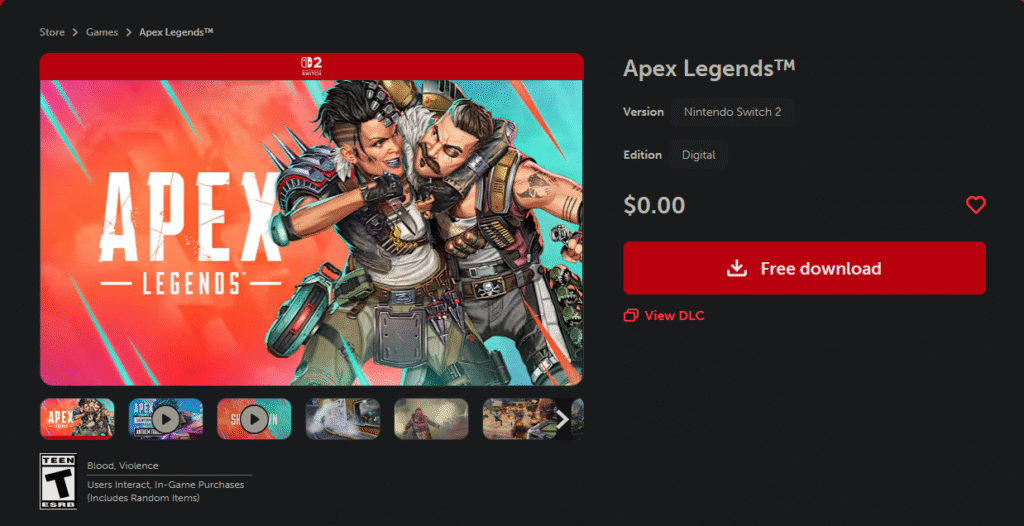
For the Switch users, we’re happy to tell you that the game is actually available on the Nintendo Switch
Nintendo Switch 2 – Apex Legends
Playstation download

If you’re playing on the Playstation and would like to start getting into the action, there are 2 links depending on which version of the console you have.
Xbox download

Apex legends is available for Xbox Series X/S
System requirements
Before downloading, make sure your PC meets the game’s recommended specs for the smoothest performance.
Minimum Requirements:
- OS: Windows 10 64-bit
- CPU: Intel Core i3-6300 / AMD FX-4350
- RAM: 6 GB
- GPU: NVIDIA GeForce GT 640 / Radeon HD 7730
- Storage: 30 GB available space
Recommended Requirements:
- OS: Windows 10 64-bit
- CPU: Intel i5 3570K or better
- RAM: 8 GB or more
- GPU: NVIDIA GeForce GTX 970 / AMD Radeon R9 290
- Storage: 30 GB available space
Why download from official sources
Using the official EA, Epic, or Steam links ensures you’re downloading the latest version of Apex Legends safely. These platforms include verified updates, account linking options, and access to events like Raise Hell and limited-time modes without the risk of malware.
For more Apex Legends news, events, and updates, visit Pley.gg
FAQ: Apex Legends download
Is Apex Legends free to download?
Yes, Apex Legends is completely free-to-play on all platforms.
Is Apex Legends on Console?
Yes, Apex Legends is available on Nintendo Switch 1/2, Playstation 4/5, Xbox series X/S
Does Apex Legends work on Mac or Linux?
No, Apex Legends is currently available only on Windows and consoles.
How big is the Apex Legends download size?
Expect a 30–40 GB download depending on updates and platform.
