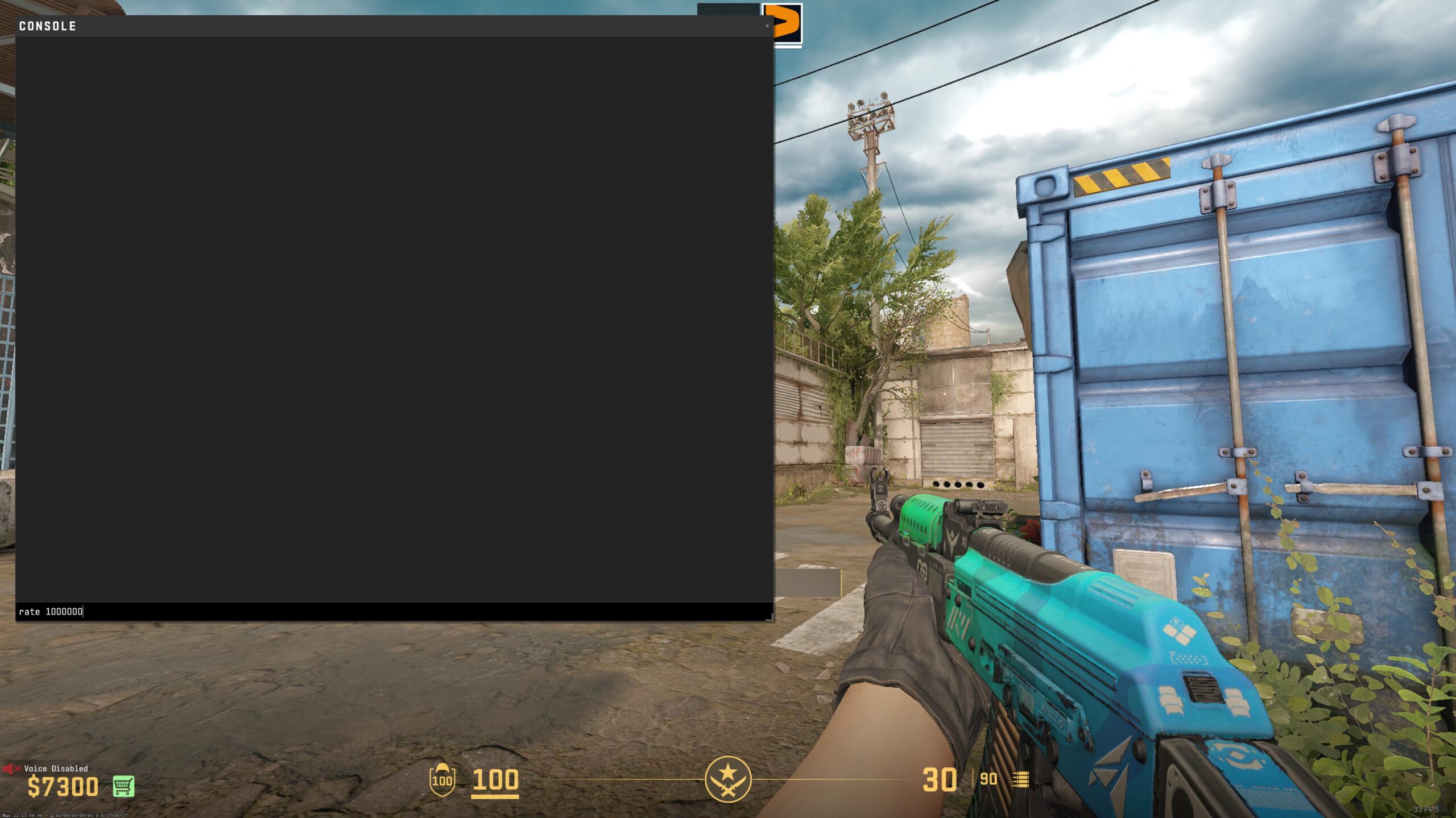







CS2 is all about precision, and using the right console commands can improve your aim, movement, and overall responsiveness. Whether you want to increase FPS, improve radar visibility, or test knife skins, these settings will help.
To access the developer console, go to Settings > Game > Enable Developer Console and set it to Yes. Then, press the tilde (~) key to open it in-game. Copy and paste the commands below into your console for instant improvements.
Increase responsiveness and reduce input lag
These settings will make CS2 feel smoother and more responsive by increasing data flow and reducing sound delay:
rate 1000000– Maximizes data received from CS2 servers.snd_mixahead 0.001– Reduces sound delay for faster reaction to enemy footsteps and gunfire.
Customize your crosshair and radar for better visibility
These commands help improve aiming and movement awareness:
cl_crosshair_sniper_width 1– Adjusts the sniper crosshair width for better aiming.alias +vrboost "cl_radar_scale 0.7"alias -vrboost "cl_radar_scale 0.35"bind v +vrboost– Zooms in and out of your radar when pressing the V key (change to any key you prefer).
See how it’s done in this video from CS2 Media.

Make CS2 look and feel like CS:GO
If you prefer the classic CS:GO visual style, this command adjusts the gamma settings:
r_fullscreen_gamma 2.5
Boost FPS and reduce lag
For a smoother experience and more stable FPS, enable low-latency mode:
engine_low_latency_sleep_after_client_tick true
Test any knife in a private match
If you want to try different knife skins in a private lobby, follow these steps:
- Enable cheats:
sv_cheats 1
- Allow dropping knives:
mp_drop_knife_enable true
- Replace your knife with a Butterfly Knife:
subclass_change 515
To test other knife skins, check the full list of subclass numbers here.
Remove unnecessary on-screen text
If you want a cleaner interface, disable the build info text at the bottom left:
r_show_build_info false
Quick 180-degree turn bind
Many pro players use low sensitivity, making quick turns difficult. You can set up a bind to instantly turn 180 degrees:
- Multiply your sensitivity by 0.022.
- Divide 180 by the result.
- Use this command to bind a quick-turn key (replace N with any key of your choice):
bind n "yaw 9090 1 1"
These CS2 commands and binds can improve responsiveness, visibility, FPS, and control. Try them out and see how much they enhance your gameplay! If you have other useful settings, share them in the comments.
