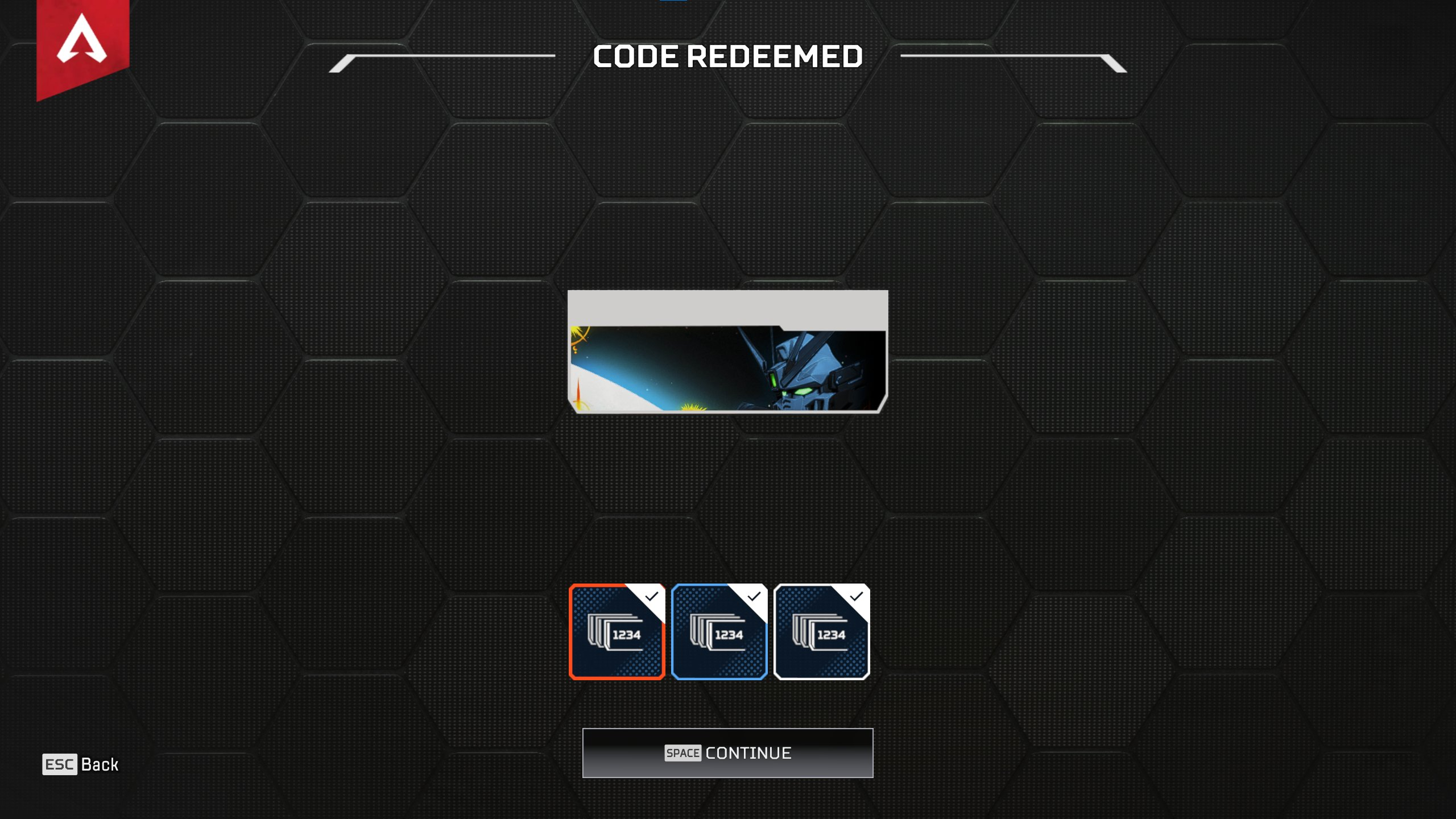





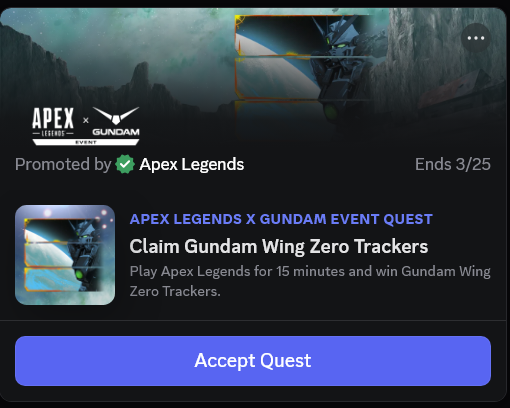
To celebrate the massive Apex Legends x Gundam collaboration, players can now unlock an exclusive themed tracker set for free. This limited-time reward is distributed through a Discord Quest, requiring only a short amount of gameplay to qualify.
Step-by-step guide to unlocking the Gundam tracker
The process is straightforward but must be completed within the Discord desktop or mobile app to track your progress correctly. Follow these steps to secure your code:
- Open Discord: Log in to your account on your PC or mobile device.
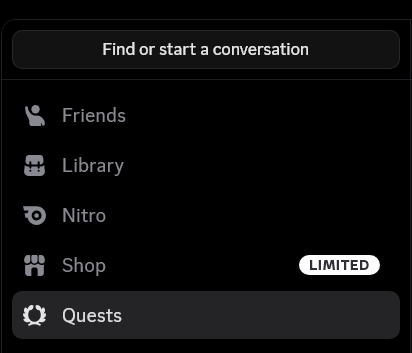
- Access Quests: Click the Discord logo in the top left corner to go to your Direct Messages. You should see a Quest notification or a “Gift Inventory” section in your User Settings.
- Select the Apex Quest: Locate the Apex Legends x Gundam quest and click “Accept Quest.”
- Play for 15 minutes: Launch Apex Legends and play any mode for at least 15 minutes. Ensure your Discord “Activity Status” is turned on so the app can detect the game is running.
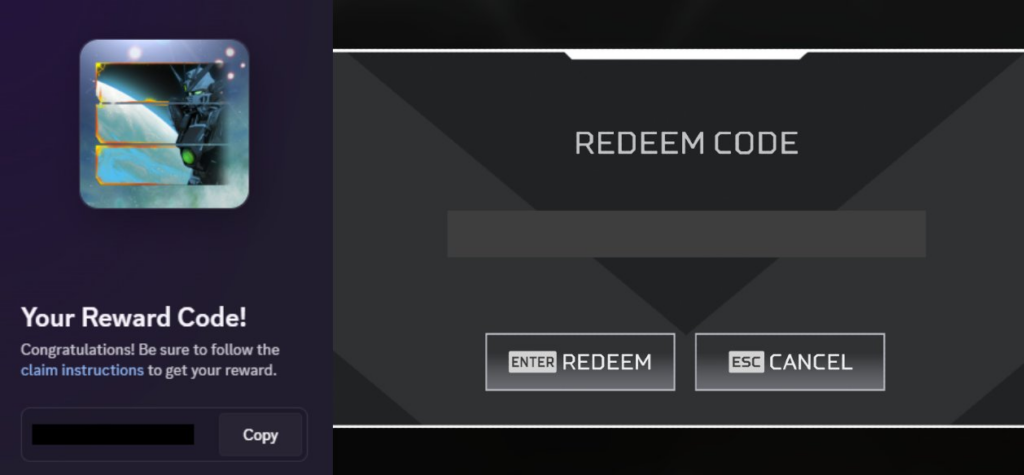
- Claim your code: Once the timer hits 100%, go back to the Quest menu in Discord and click “Claim Reward” to generate your unique redemption code.
How to redeem your code in Apex Legends
Once you have copied your code from Discord, you need to apply it to your EA account through the in-game menus:
- Launch Apex Legends.
- Navigate to the Store tab at the top of the main menu.
- Look for the Redeem Code button located at the bottom left or right of the screen.
- Paste your Discord code into the field and confirm.
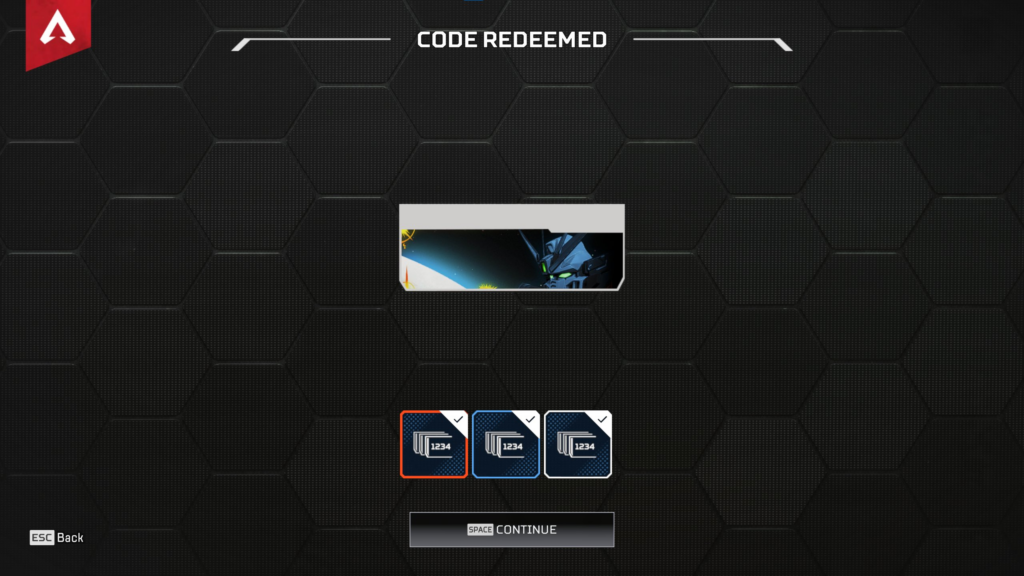
- The Gundam tracker set will be instantly added to your inventory.

Troubleshooting for console players
If you are playing on PlayStation or Xbox, ensure your console account is properly linked to your Discord account under the “Connections” tab in Discord settings. This is necessary for the app to track your playtime accurately.
Some players have reported a bug where the tracker does not appear in the “Banners” menu even after a successful redemption on consoles. If this occurs, it is recommended to restart your game. If the item still does not show, you may need to contact EA Support with your redemption history to have the item manually pushed to your account.


