




With the launch of CS2 a lot of players are trying to find out the best possible setting for the advanced video setting.
If you have a top-tier computer, perhaps it could be a good idea to see what the professionals are doing. If you don’t have a state-of-the-art setup, then it would perhaps be a good idea to check out the article below.
Best ingame setting for CS2
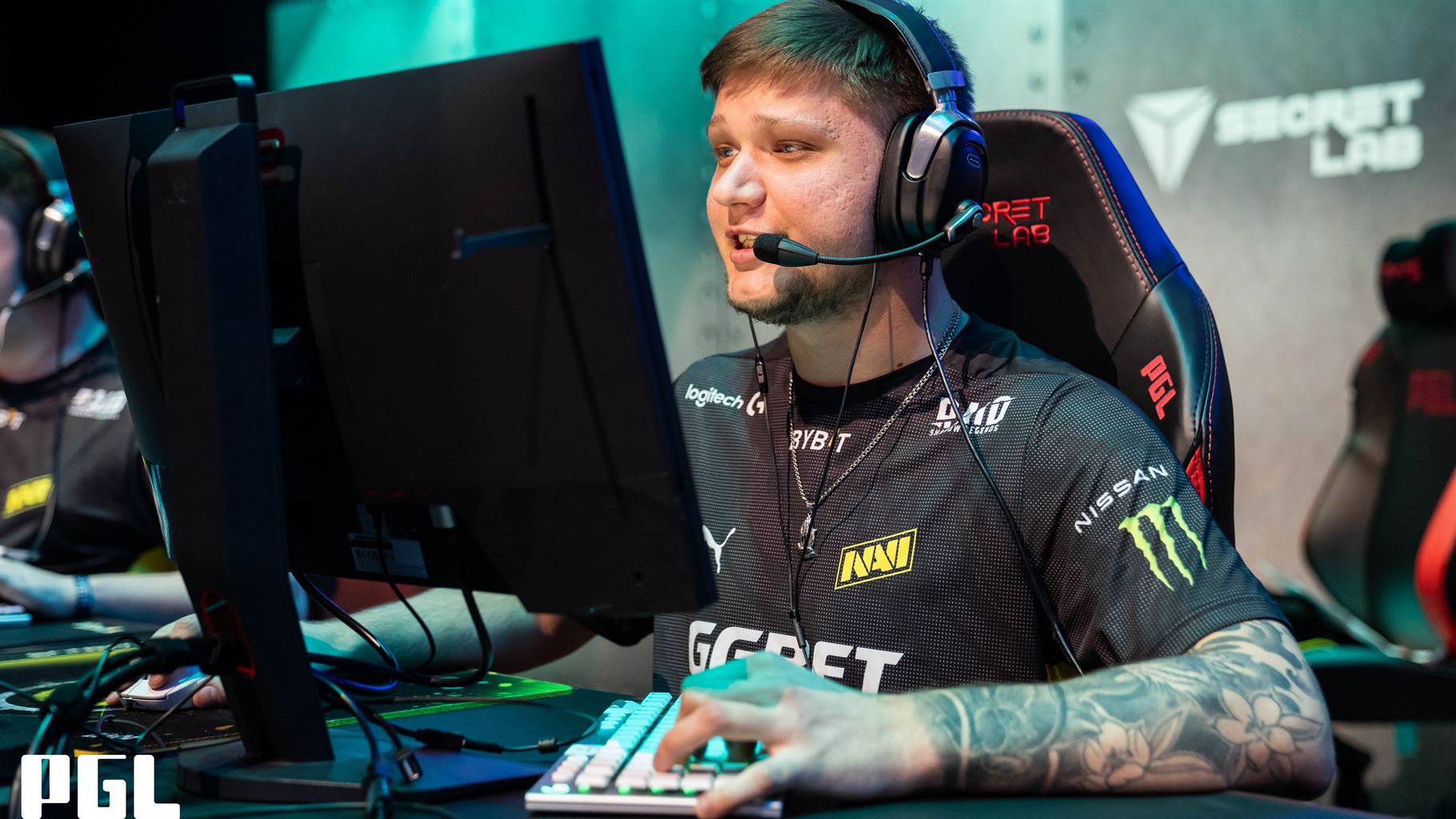
On Twitter the user ThourCS has asked 25 pros about their current video settings. s1mple, ropz, Spinx, and many other well-known professionals have answered him. ThourCS has compiled a list of the most used settings among them here.
– Boost Player Contrast: Enabled
– MSAA: 4x
– Global Shadow: High – Model/Texture: Low
– Texture Filtering: Bilinear – Shader Detail: Low
– Particle Detail: Low
– Ambient Occlusion: Disabled
– HDR: Quality
– FSR: Disabled
– NVIDIA Reflex: Disabled
You can see the tweet from ThourCS here.
