







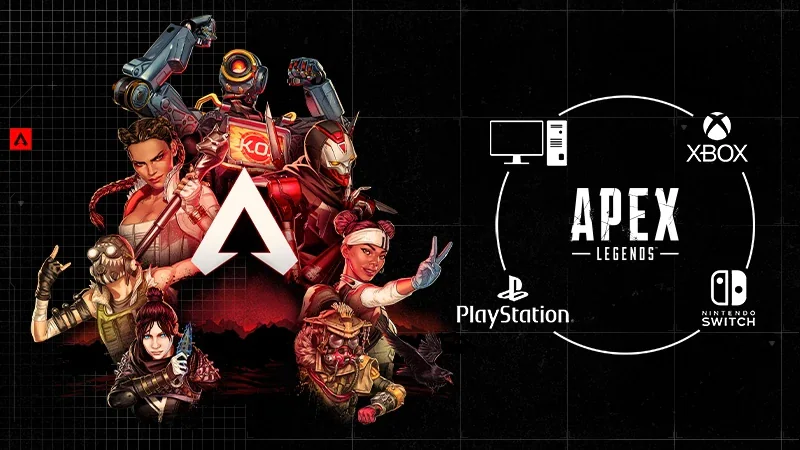
Apex Legends cross platform is fully supported, letting players on PC, PlayStation, Xbox, and Nintendo Switch squad up seamlessly. With cross progression also available, you can carry your progress, skins, and stats across all linked platforms through your EA Account. Here’s everything you need to know about Apex Legends crossplay and how to set it up.
How to play with cross platform friends
- Open the friends menu: From the main lobby, select “Find Friend.”
- Search by EA ID: Type your friend’s EA Public ID and send a request.
- Accept invites: Your friend will receive a notification to accept or decline.
- Join a party: Once connected, you can invite them to your squad and start playing together.
Crossplay is active for all major playlists. In Battle Royale and Ranked, matchmaking prioritizes players on the same input device (controller or mouse and keyboard), but in Mixtape and limited-time modes, everyone shares a unified queue.
How to enable or disable crossplay
Crossplay is turned on automatically, but players on consoles can choose to disable it:
- Go to Settings (gear icon) in the lobby.
- Open the Gameplay tab.
- Toggle Cross-Platform Play to enable or disable.
PC players cannot disable crossplay, it remains permanently enabled to ensure quick matchmaking.

Apex Legends cross progression explained
Apex Legends cross progression lets you share your progress, cosmetics, and account data across all platforms linked to your EA Account. This means your account level, skins, badges, and battle pass progress carry over when switching between PC, PlayStation, Xbox, and Nintendo Switch.
To use cross progression:
- Link your platform accounts (PlayStation Network, Xbox Live, Steam, Nintendo) to your EA Account.
- Log in using that same EA Account on every platform you play on.
- Your Apex Legends data will sync automatically once linked.
Returning players and merged accounts
- If you had one Apex Legends account before cross progression launched, that account is now your main cross progression profile.
- If you had multiple accounts linked to the same EA Account, they were merged into one, based on the highest account level.
- If you used multiple EA Accounts, they remain separate, content cannot be transferred between them.
Important notes
- You cannot merge EA Accounts after linking. All progress stays on the account where it was earned.
- If you lost content after merging, EA cannot restore it unless it was linked to your current EA Account.
- Cross progression is tied permanently to your EA Account and cannot be moved later.
Why crossplay and cross progression matter
Crossplay ensures the Apex Legends community stays connected across all devices, while cross progression makes switching between platforms effortless. Whether you start on console and move to PC, or play on multiple systems, your progress and cosmetics remain synced.
Supported platforms
- PC (EA App, Steam)
- PlayStation 4 / PlayStation 5
- Xbox One / Xbox Series X|S
- Nintendo Switch
Common issues and troubleshooting
- Missing content: Make sure all accounts are linked to the same EA ID.
- Connection errors: Restart your game and re-login to refresh EA servers.
- Friend not showing up: Double-check the spelling of your friend’s EA Public ID and ensure both have crossplay enabled.
For more Apex Legends tips, guides, and news, visit Pley.gg
sources
- EA Help – Cross Progression Guide
- EA Help – Add Friends for Cross Play
- Eloboss – Apex Legends Crossplay Overview
FAQ: Apex Legends cross platform & crossplay
Is Apex Legends cross platform?
Yes, Apex Legends supports full cross platform play across PC, PlayStation, Xbox, and Nintendo Switch.
How do I add friends on different platforms?
Use the in-game friends menu, select “Find Friend,” and search by your friend’s EA ID.
Does Apex Legends have cross progression?
Yes, progress, cosmetics, and achievements carry over across all linked platforms via your EA Account.
Can I disable crossplay?
Yes, console players can toggle crossplay off in the settings menu. PC players cannot.
Can I merge EA Accounts for cross progression?
No, progress and content are tied to a single EA Account and cannot be merged between multiple accounts.